ODN1 · ROOM 2 ENGINE

AI catalog images, at catalog scale.

GEN-ODN turns flat lays, mannequin and white-background shots into on-model catalog images, new backgrounds and new contexts, thousands of SKUs at a time, held to your brand's rules from Room 1.

Input
Flat lays, mannequin, ghost and white-bg shots
→
GEN-ODN
Model, background, post-production
→
Catalog images
On-model, lifestyle, platform-ready
200+
AI models in the pool
1 click
model and market adaptation
Bulk
thousands of SKUs at once
80+
categories
ROOM 2 · GEN-ODN

No reshoot. Same product, new world.

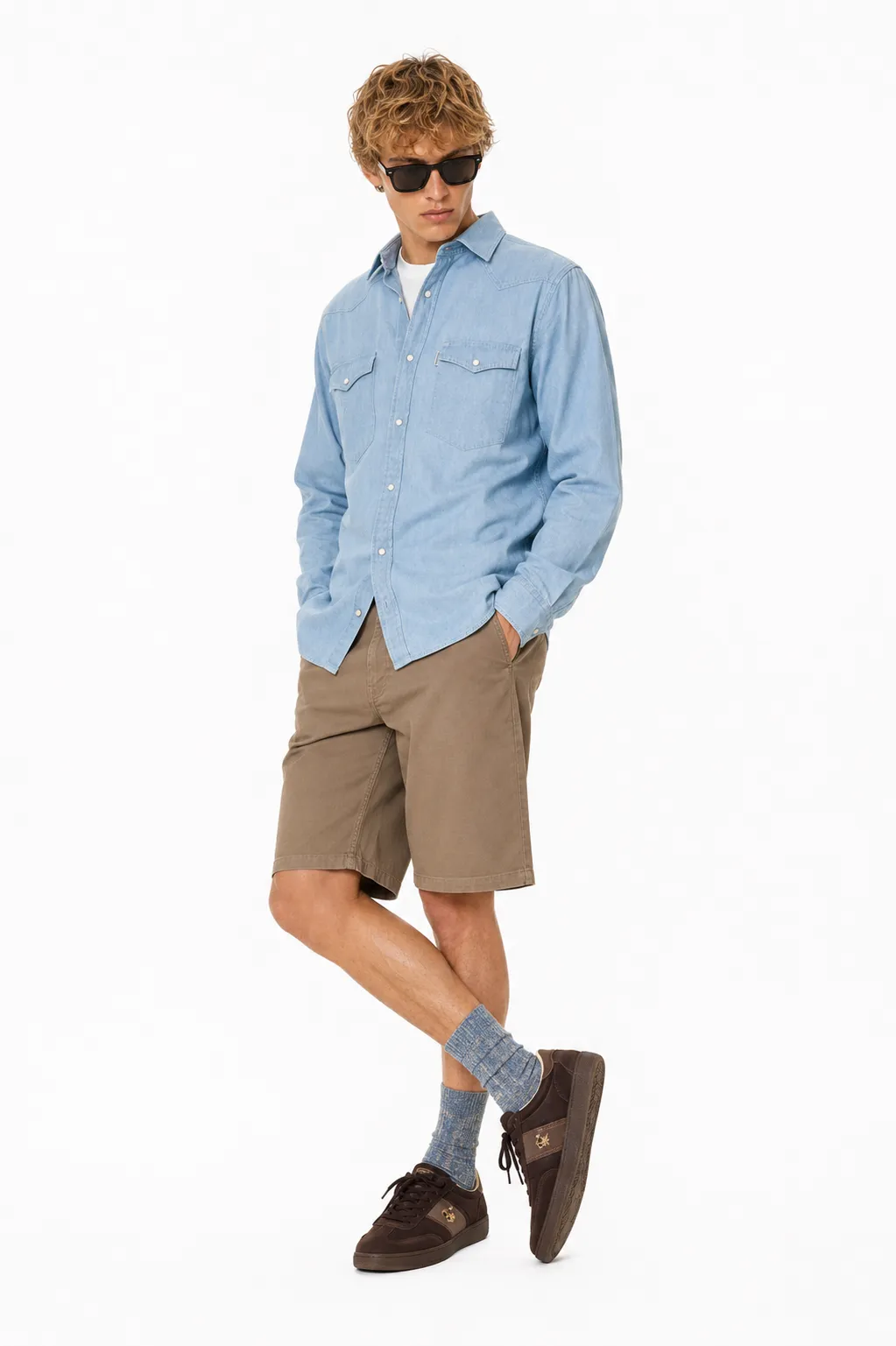
A low-cost studio shot becomes a premium catalog image. GEN-ODN places your product on the right model, in the right setting, to each marketplace's standard, and keeps the model's face consistent across every image.

  • Flat lays, mannequins and ghost images become on-model and lifestyle shots.
  • Model appearance adapted for each market, in one click.
  • Custom backgrounds to each platform's guidelines and your brand's look.
  • Automated post-production: colour correction, cleaning, shadows.
  • Bulk processing, thousands of SKUs in one run.
200+
AI models
Bulk
SKU processing
1 click
adaptation
Inside GEN-ODN · four steps
1
Upload
Flat lay, mannequin, ghost or white-background shot.
Flat layMannequinWhite bg
↓
2
Choose
A model from the pool, a background and the platform's spec.
↓
3
Generate and finish
Image generation, then automated post-production.
↓
4
Art director QC
Checked against brand and marketplace rules before delivery.
CATALOG-READY IMAGES
On-modelLifestyleNew backgroundsMarket versions
Where it fits

Built for these.

Marketplaces with large catalogs

Consistent, on-model imagery across thousands of seller SKUs.

Brands entering new markets

The same product on models that match each market.

Launches on a tight budget

Studio quality without booking a full shoot.

Where it sits in ODN1

GEN-ODN is a Room 2 engine. It works inside the brand and category rules set in Room 1. Where clients share their sales data, Room 3 shows which background, model or pose moved the number, and the learnings go back into Room 1. How ODN1 works →

POWERED BY ODN-CONNECT
GEN-ODN runs on ODN-Connect, the workflow and data backbone every room and engine talks to.
See how ODN-Connect works →
Before and after

Same product.
A new life.

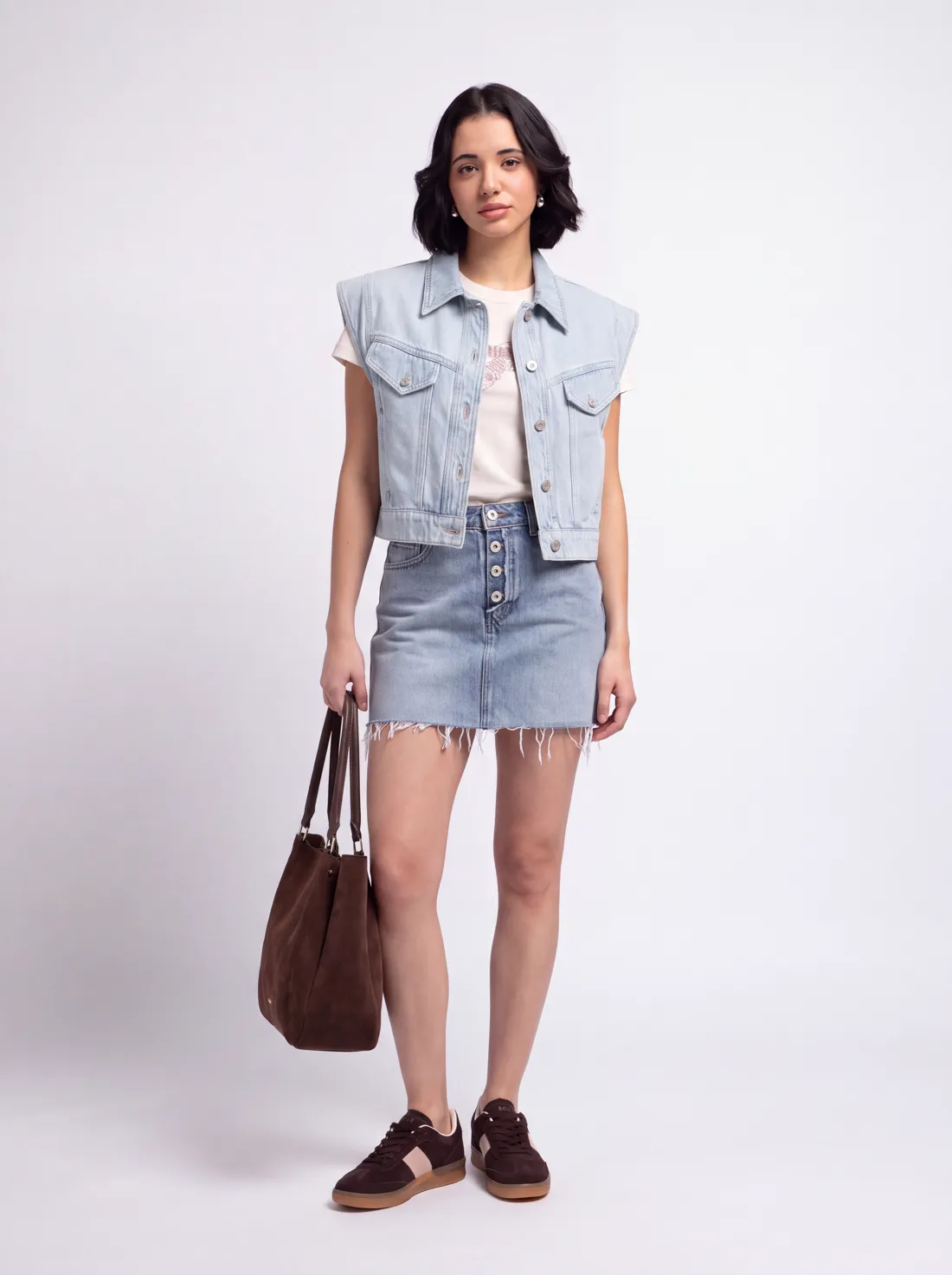
28 real catalog jobs. The small photo is what the brand sent us. The big one is what went live. Hover or tap any image to see the original.
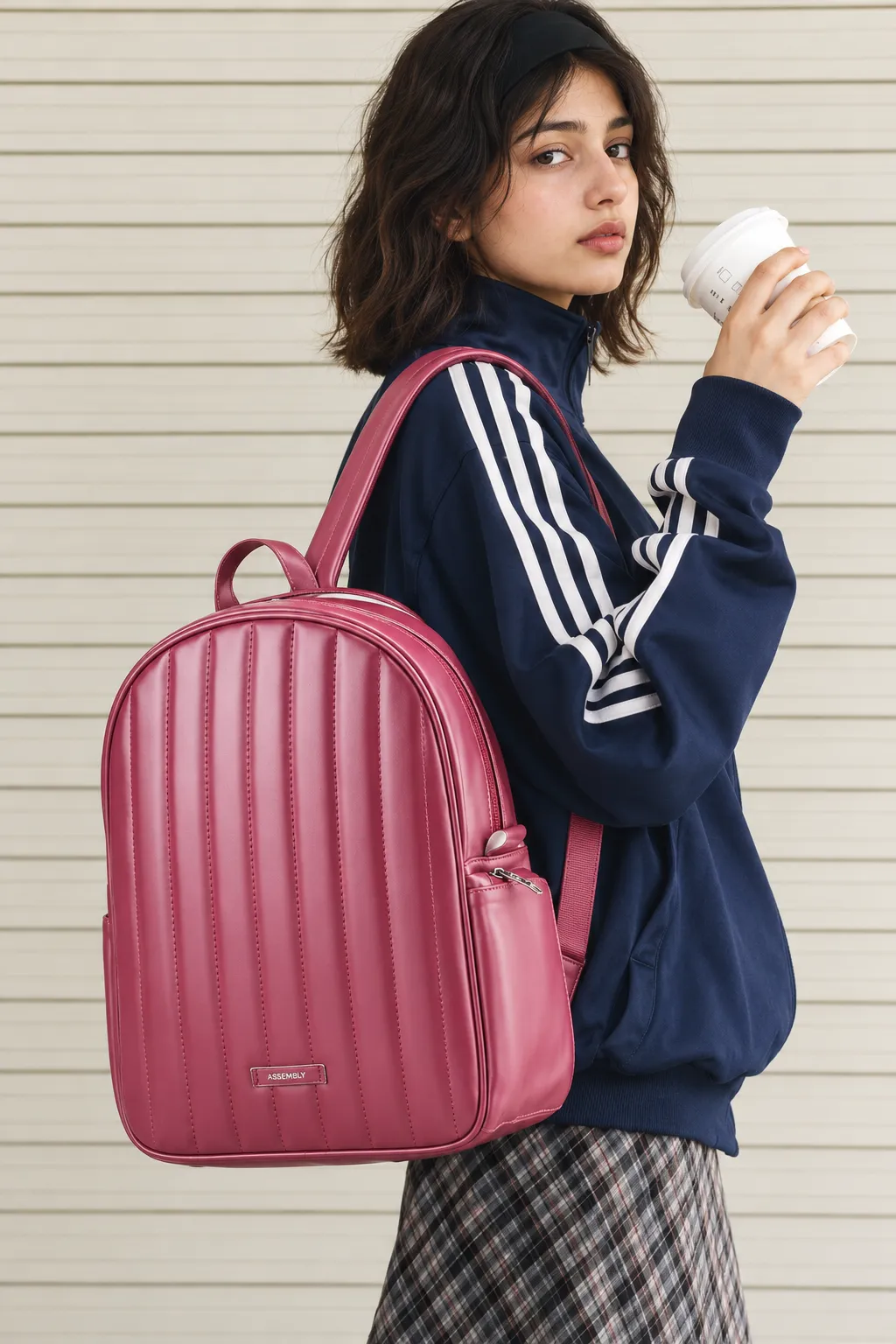
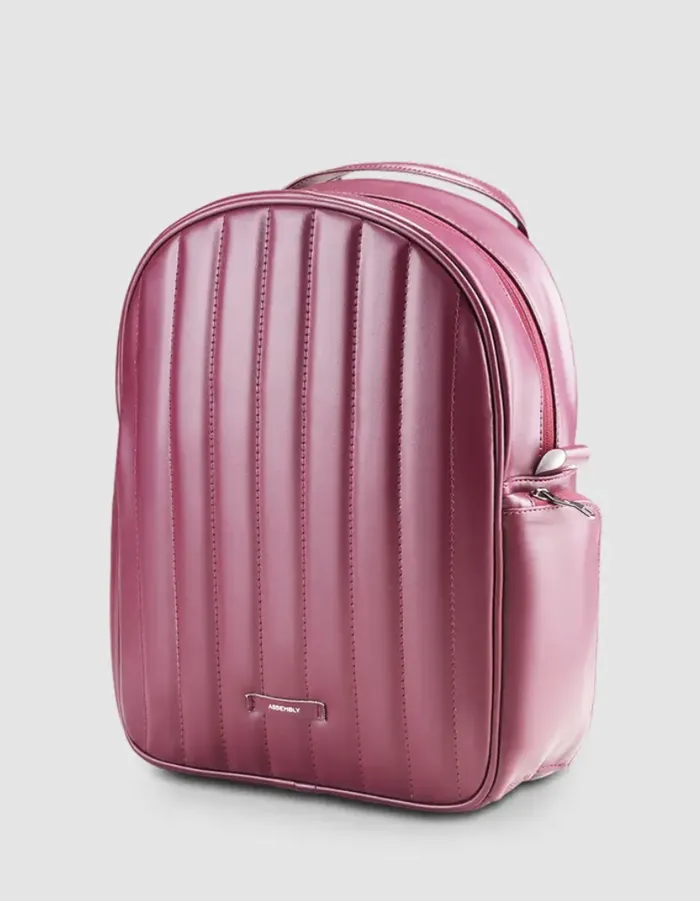
Backpack, after GEN-ODNBackpack, original photoBefore
BackpackOn-model lifestyle
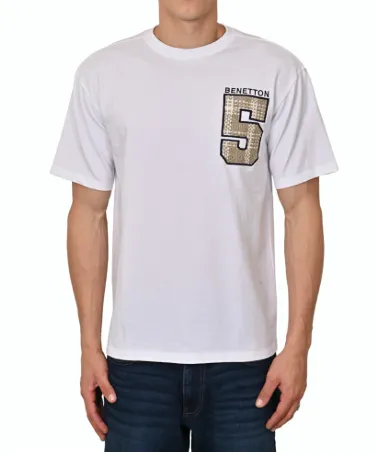
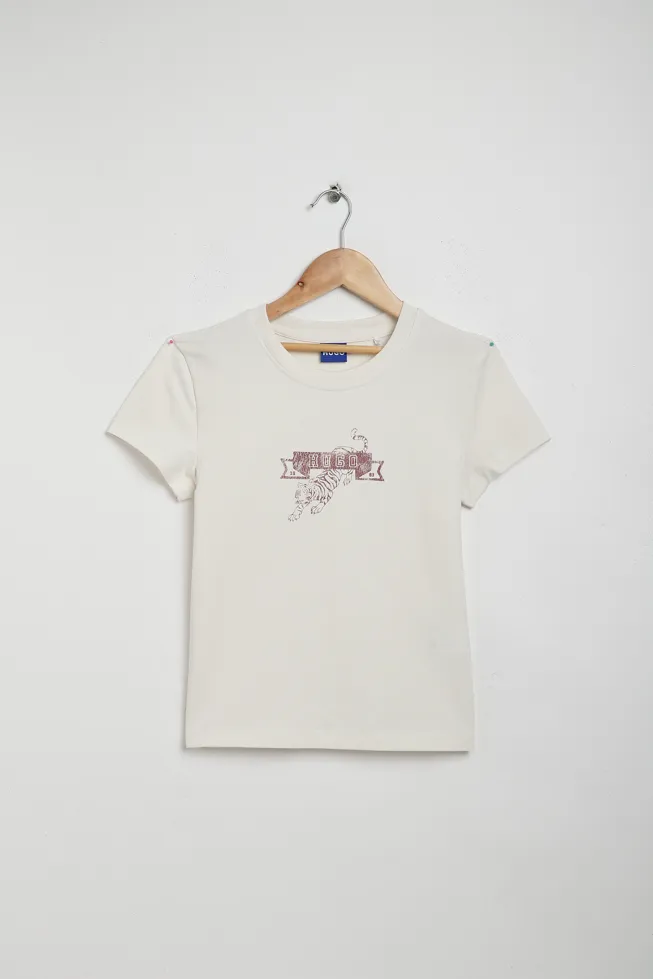
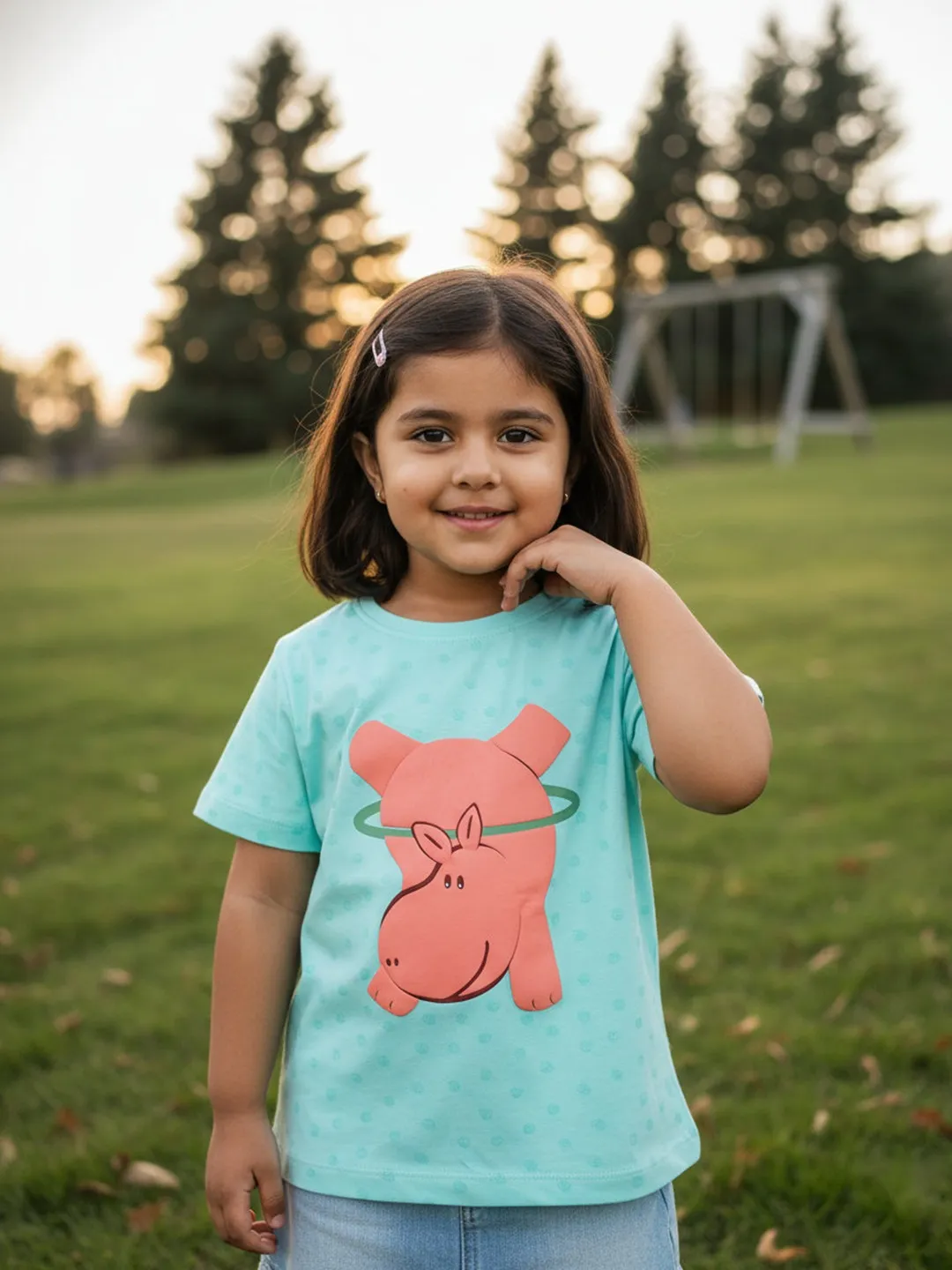
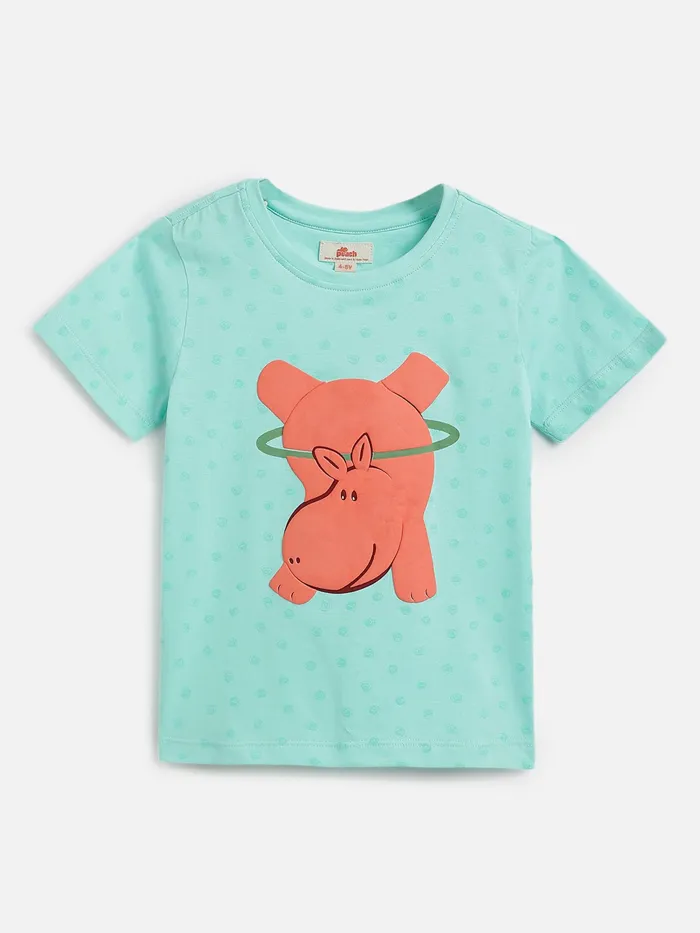
Casual tee, after GEN-ODNCasual tee, original photoBefore
Casual teePackshot to on-model
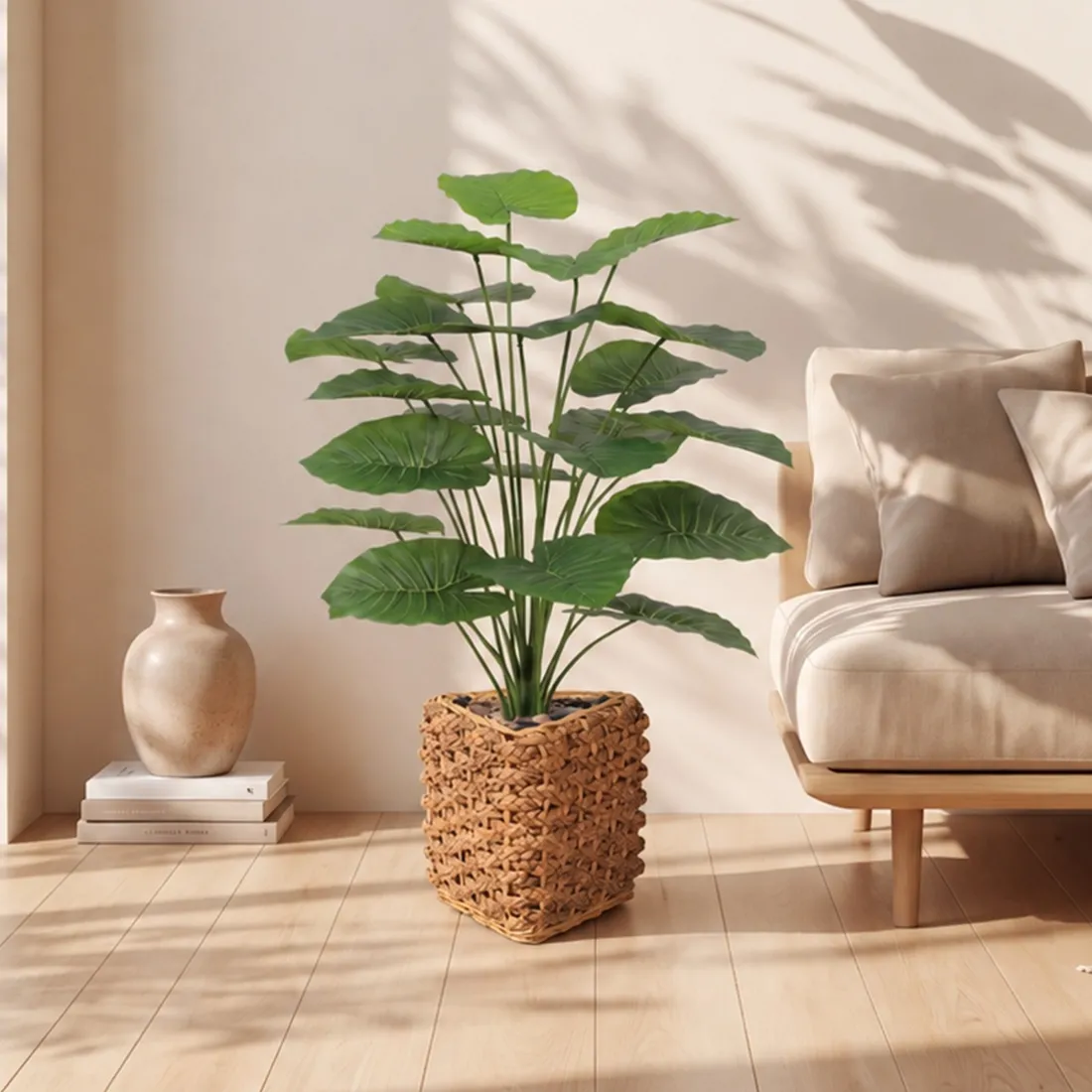
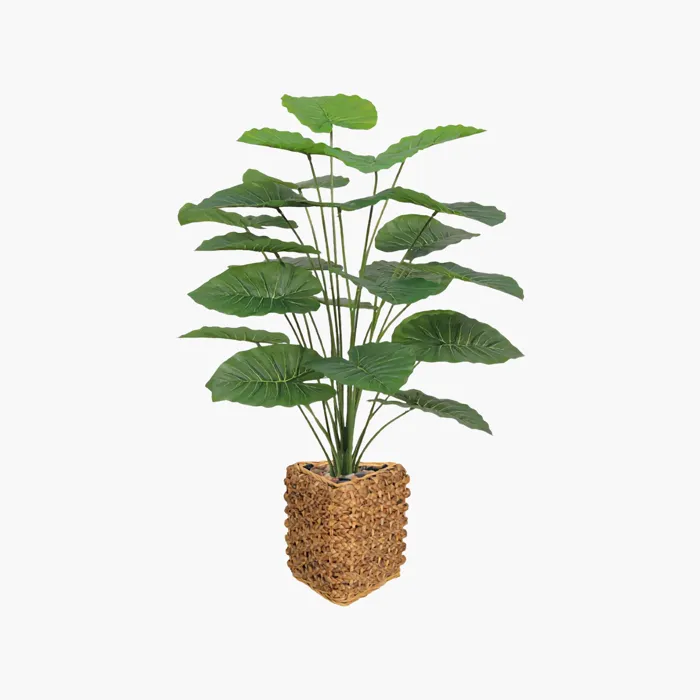
Planter, after GEN-ODNPlanter, original photoBefore
PlanterIn-context home
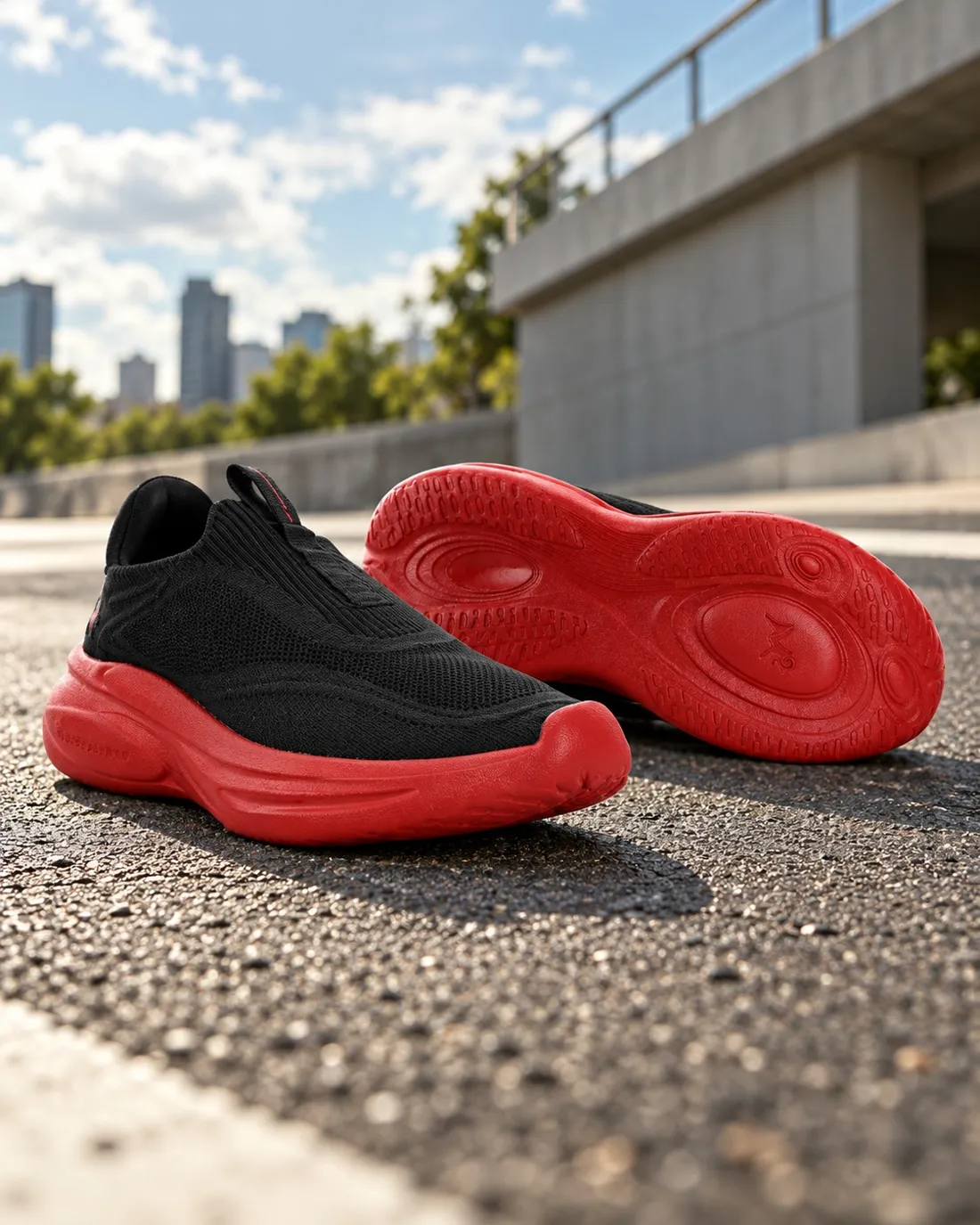
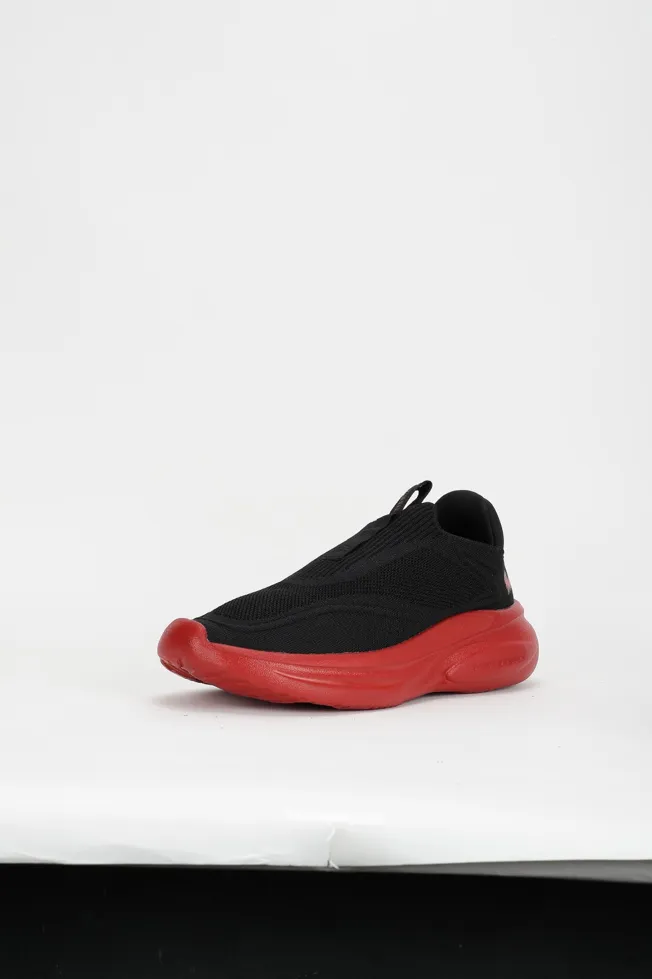
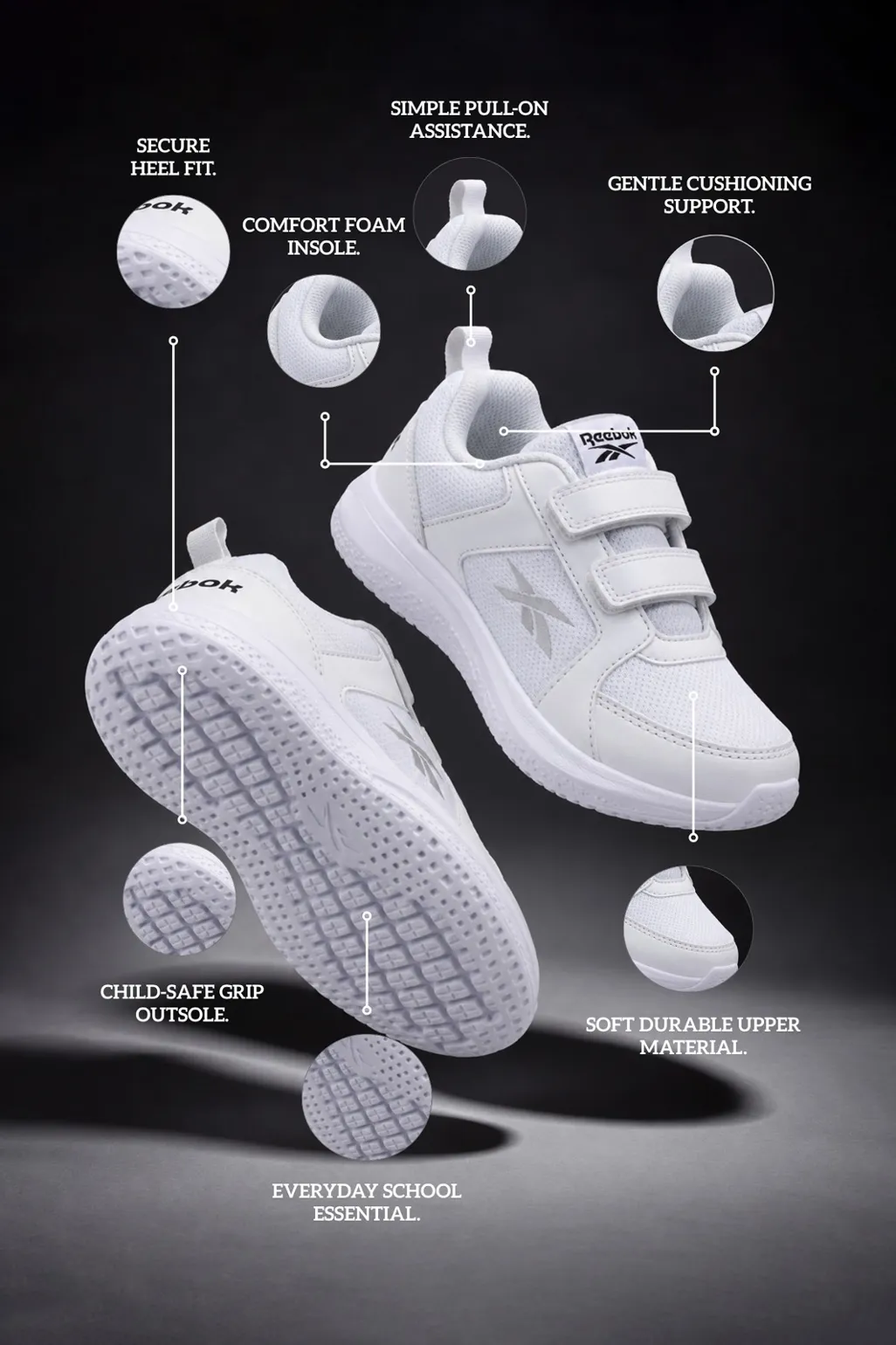
Sneakers, after GEN-ODNSneakers, original photoBefore
SneakersStyled lifestyle
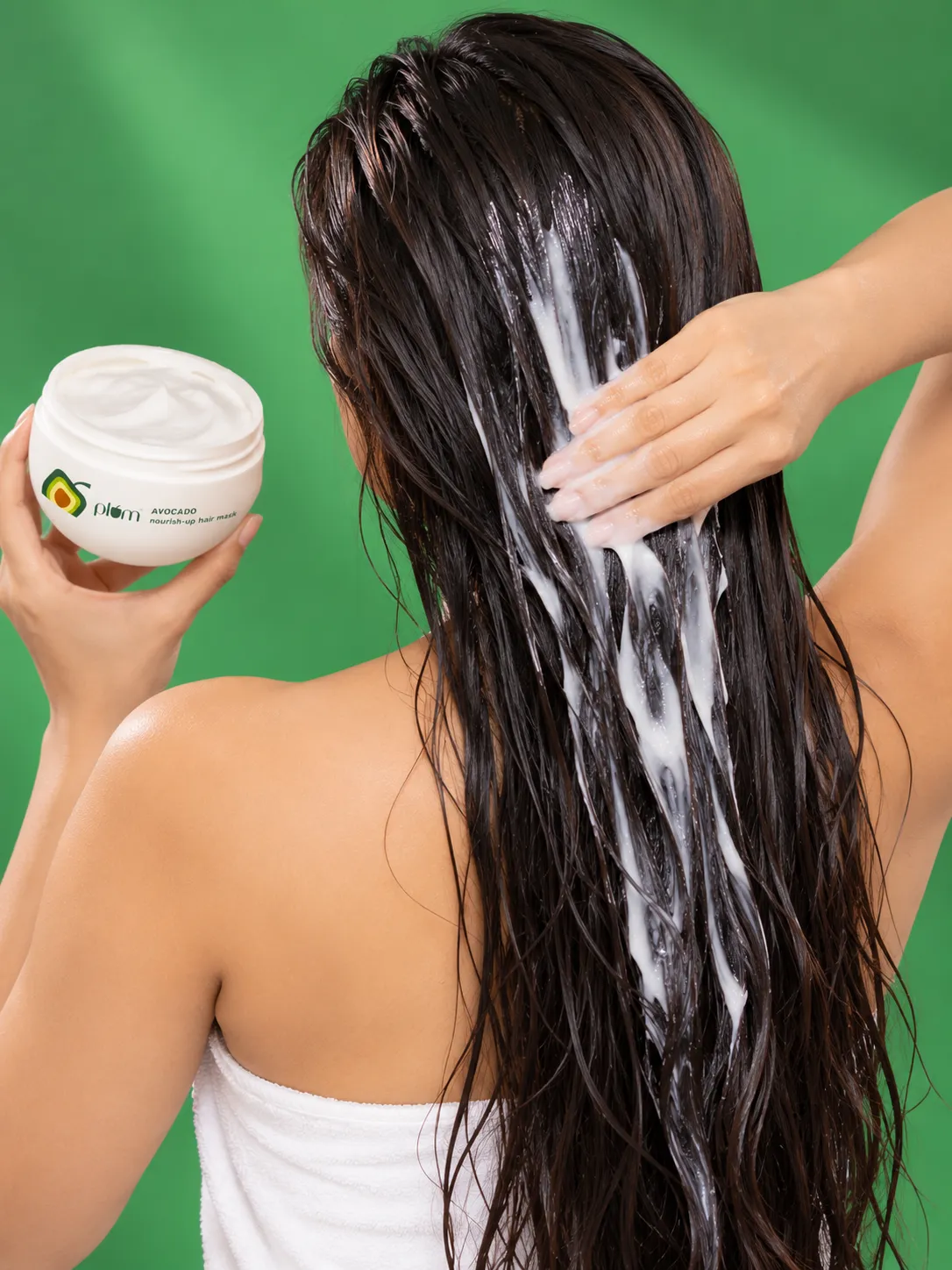
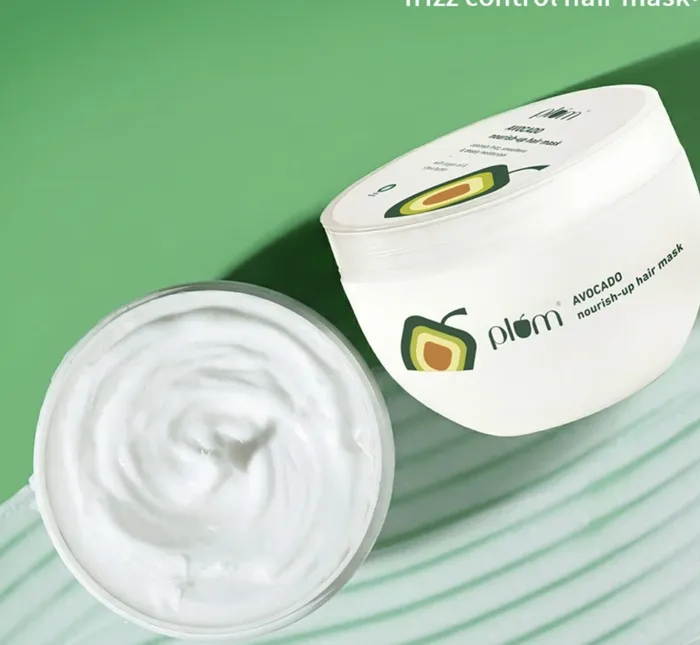
Hair mask, after GEN-ODNHair mask, original photoBefore
Hair maskBeauty campaign
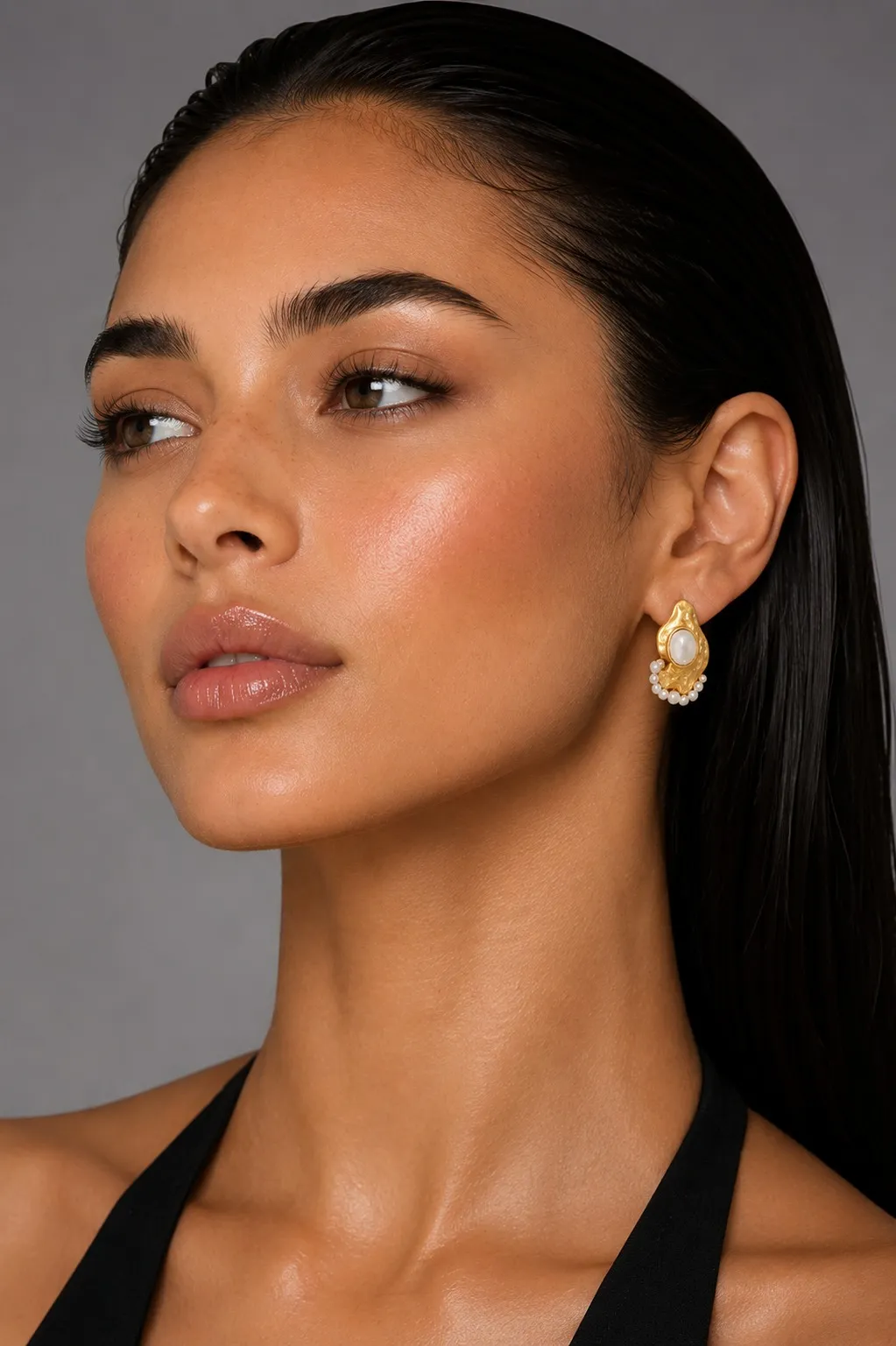
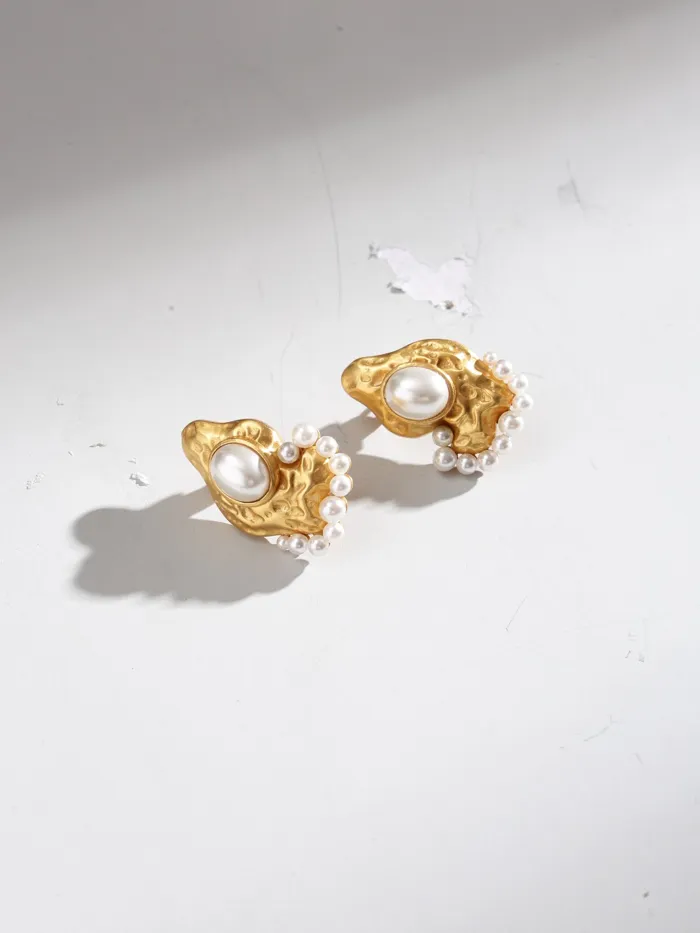
Earrings, after GEN-ODNEarrings, original photoBefore
EarringsOn-model close-up
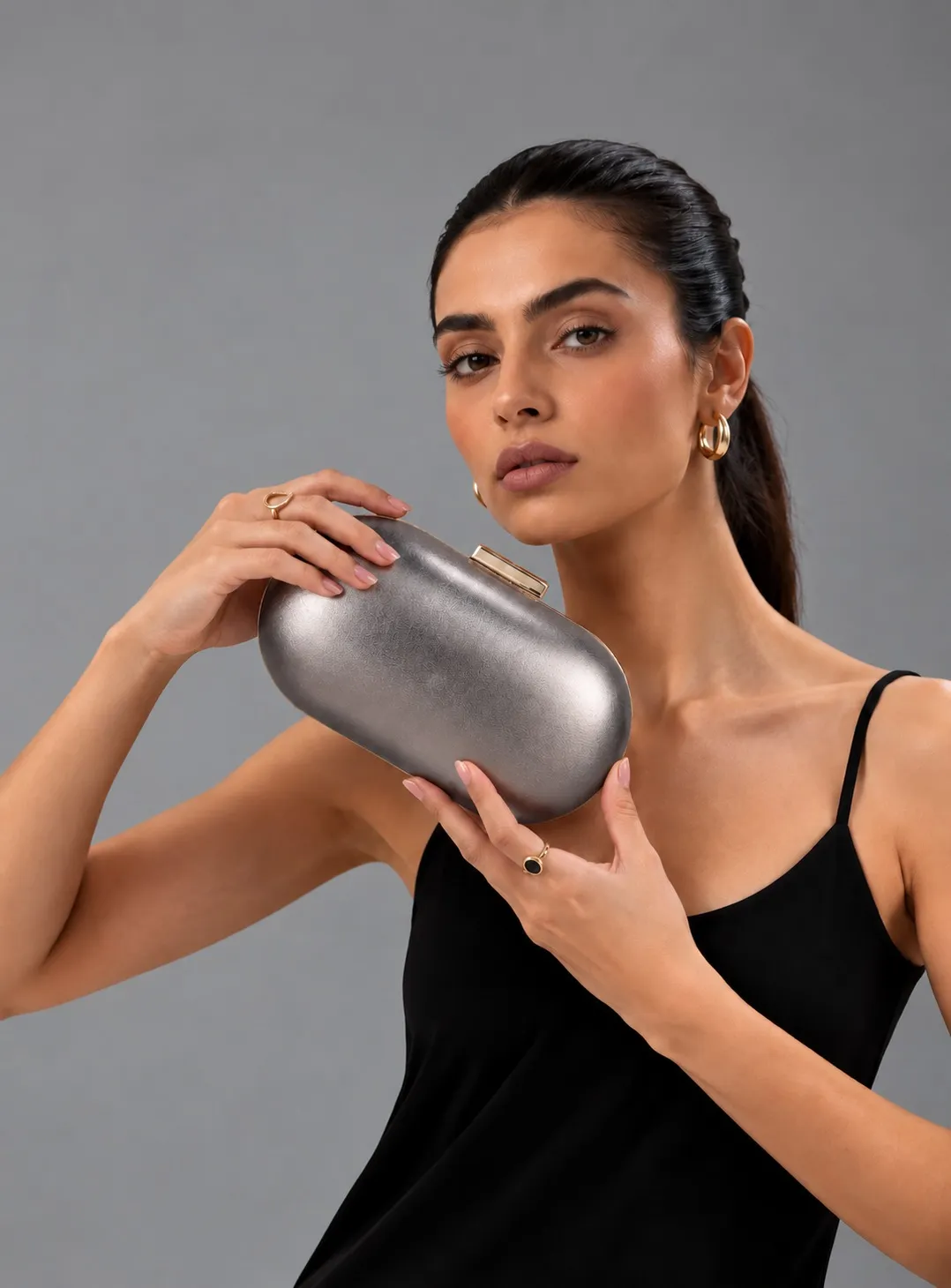
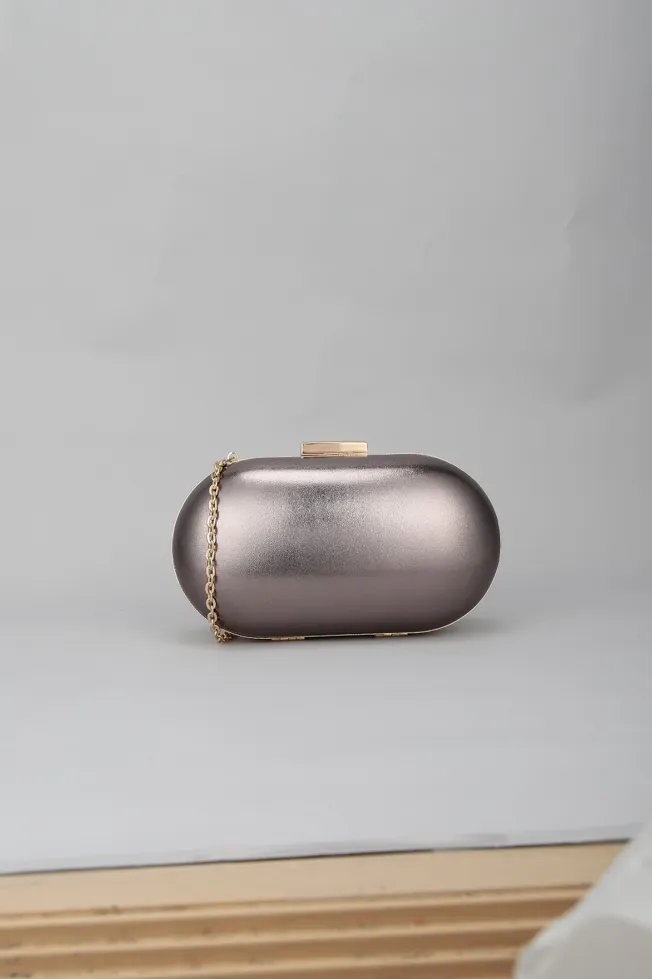
Clutch, after GEN-ODNClutch, original photoBefore
ClutchStyled on-model
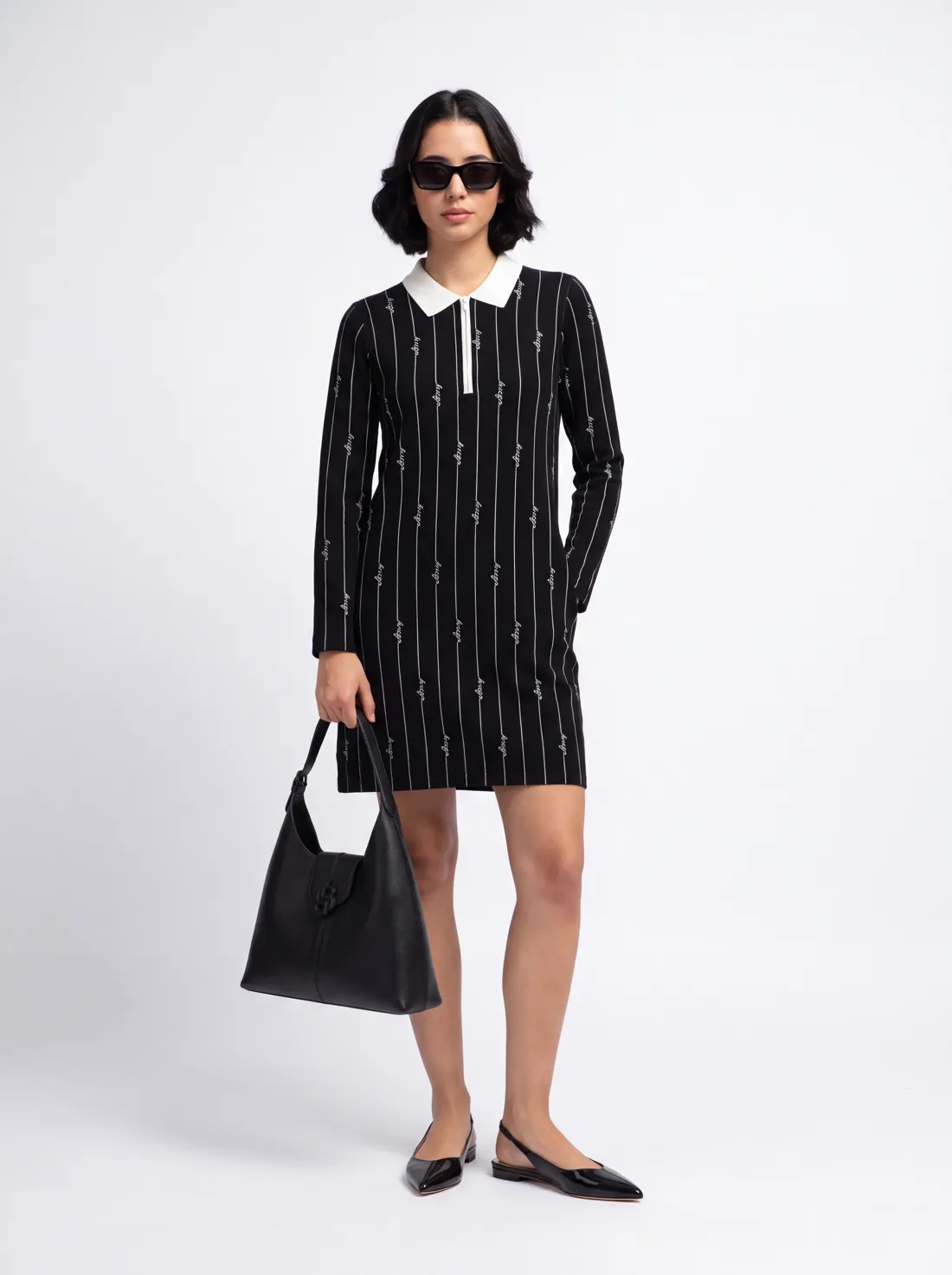
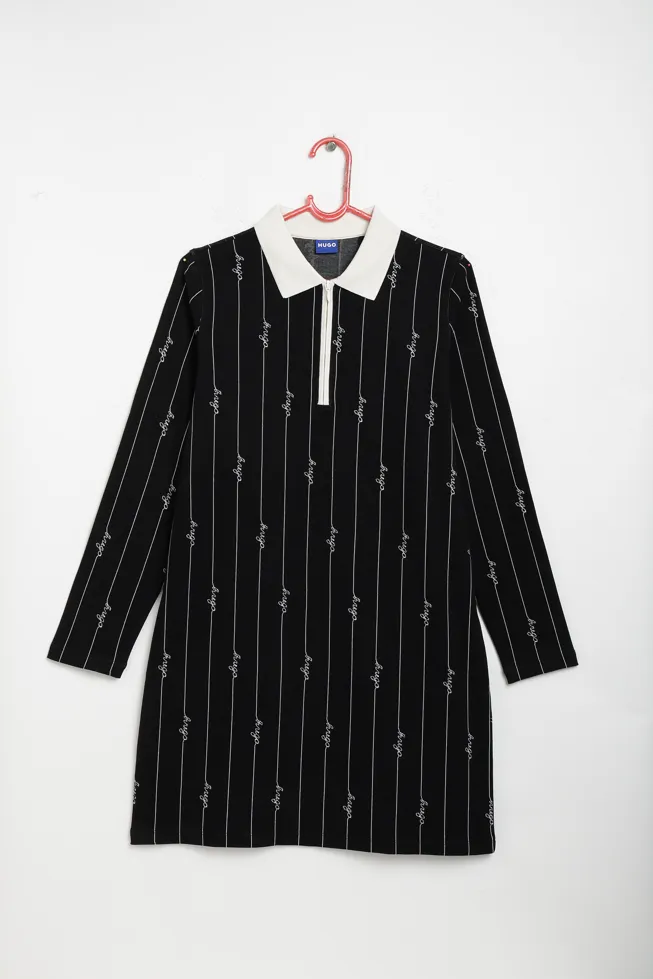
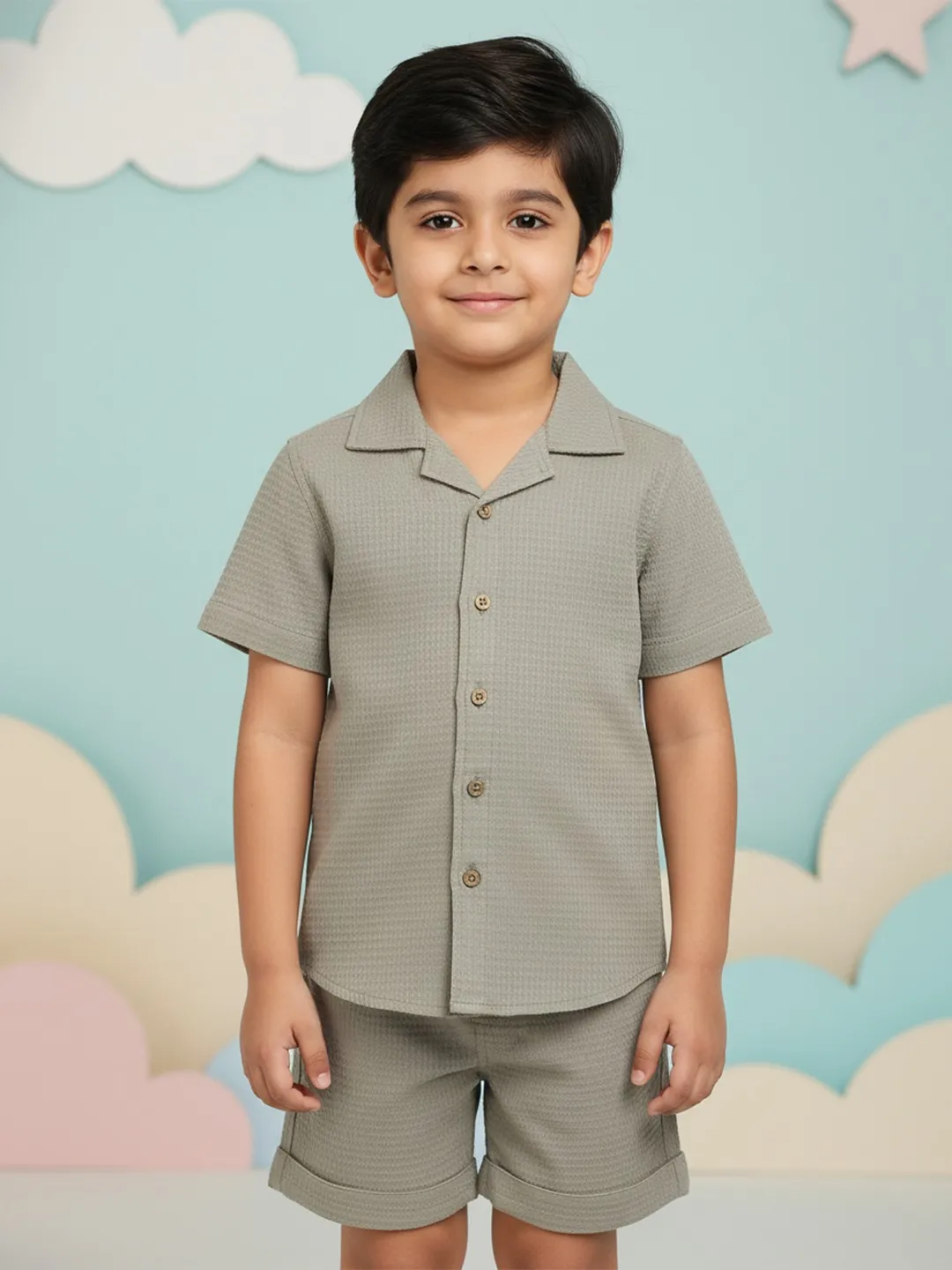
Shirt dress, after GEN-ODNShirt dress, original photoBefore
Shirt dressHanger to on-model
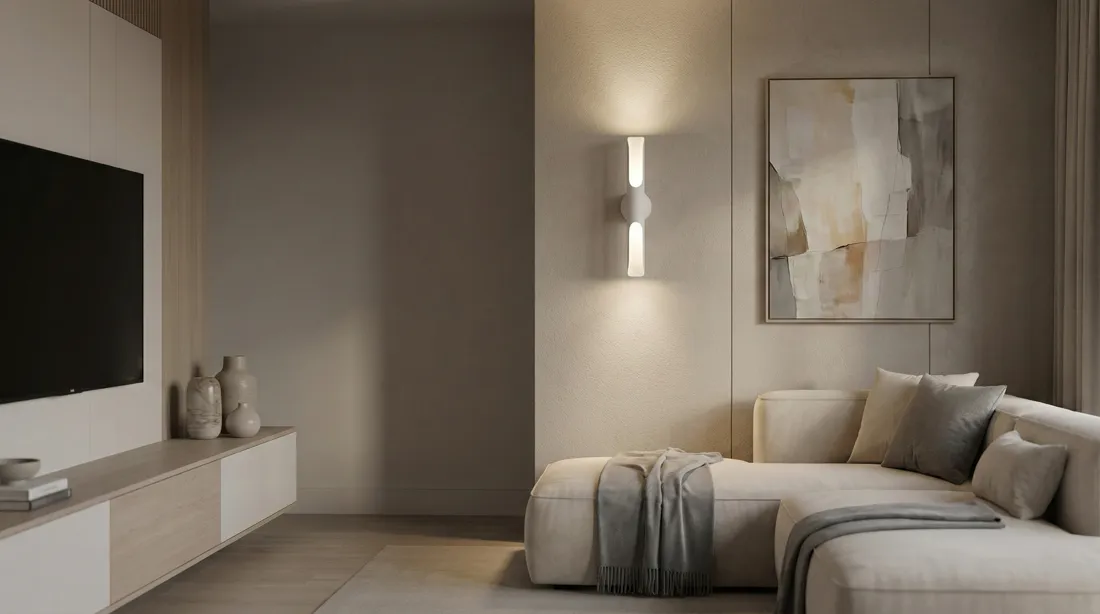
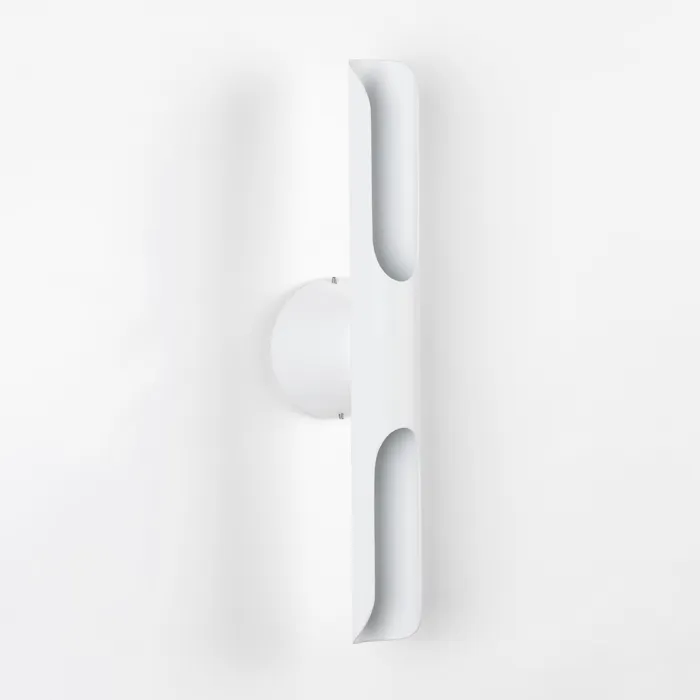
Table lamp, after GEN-ODNTable lamp, original photoBefore
Table lampIn-room lifestyle
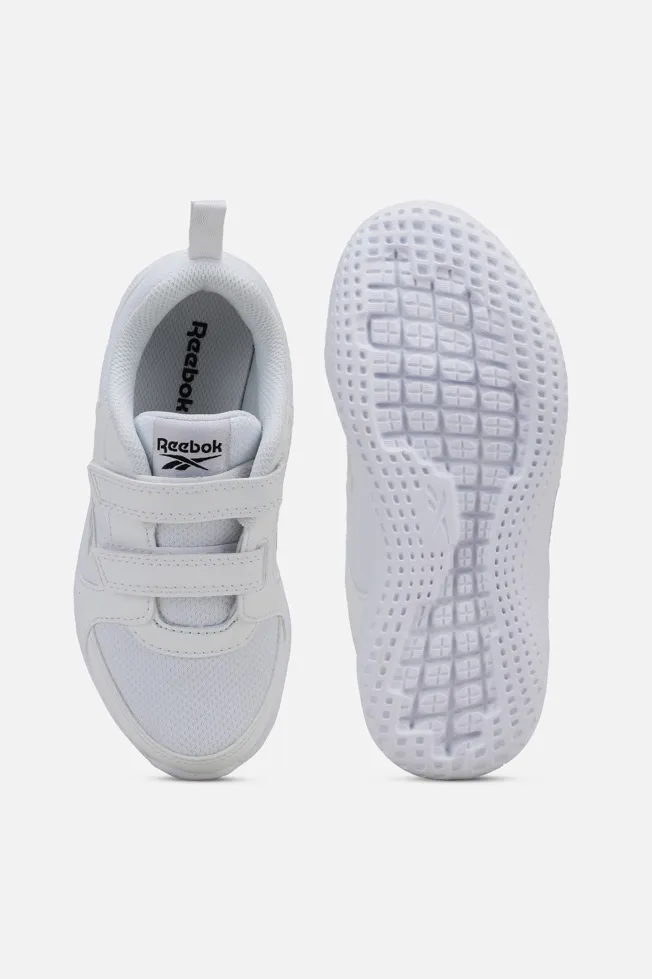
Running shoes, after GEN-ODNRunning shoes, original photoBefore
Running shoesStyled lifestyle
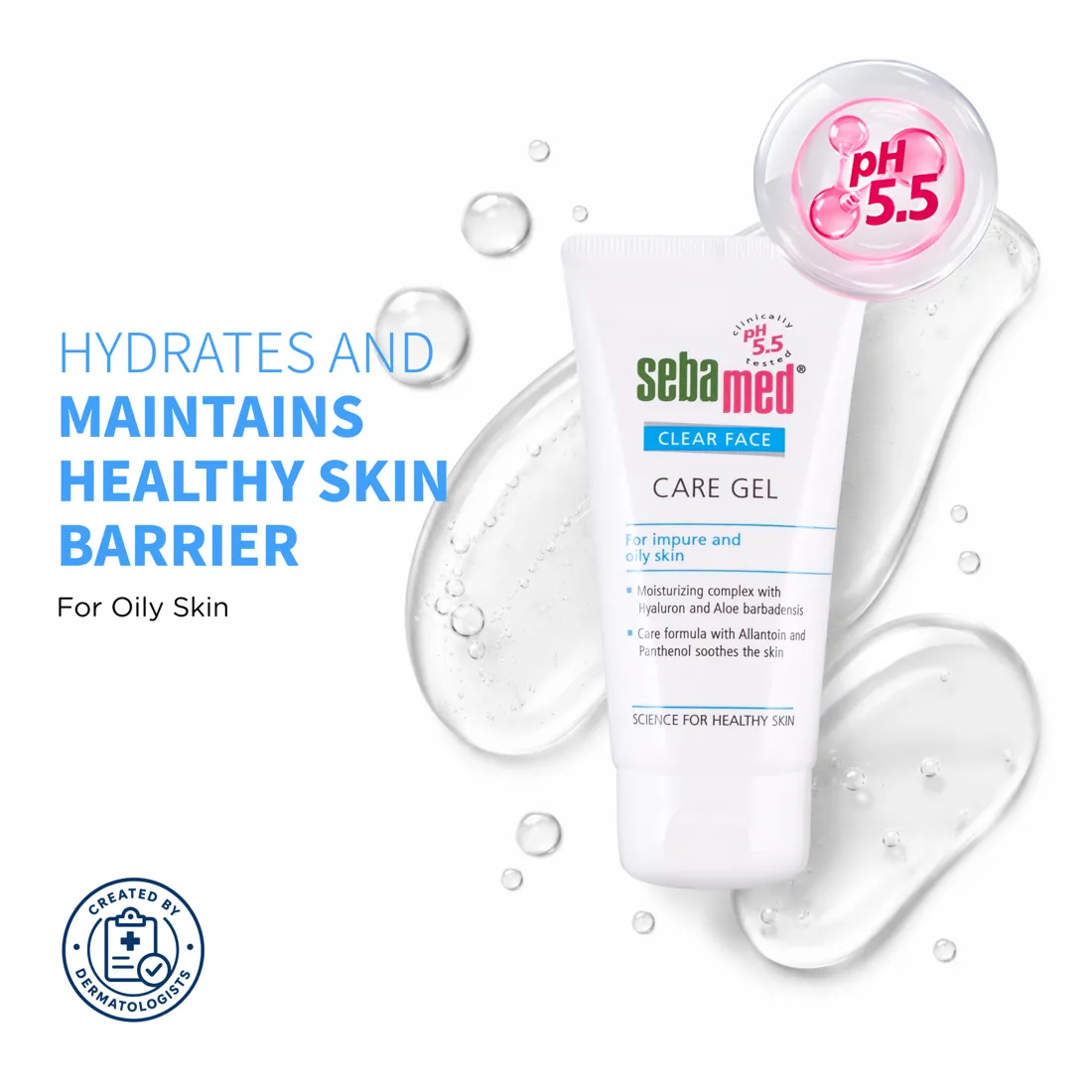
Care gel, after GEN-ODNCare gel, original photoBefore
Care gelBeauty campaign
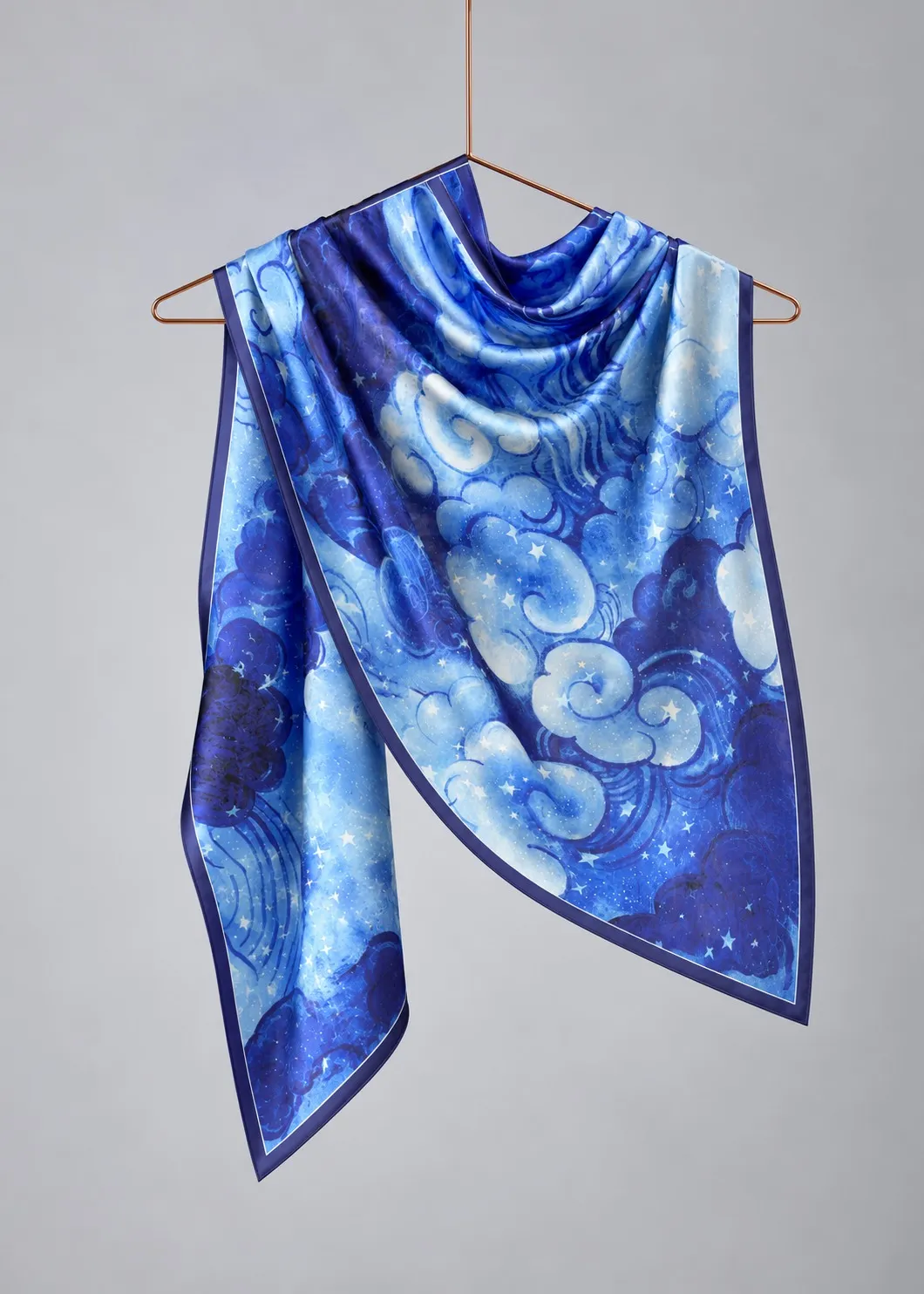
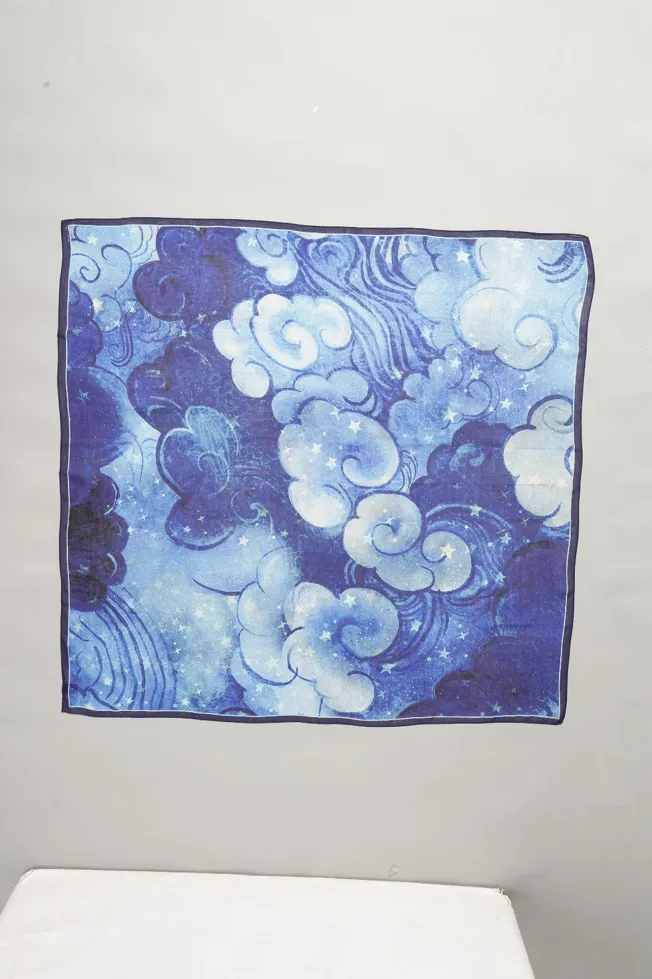
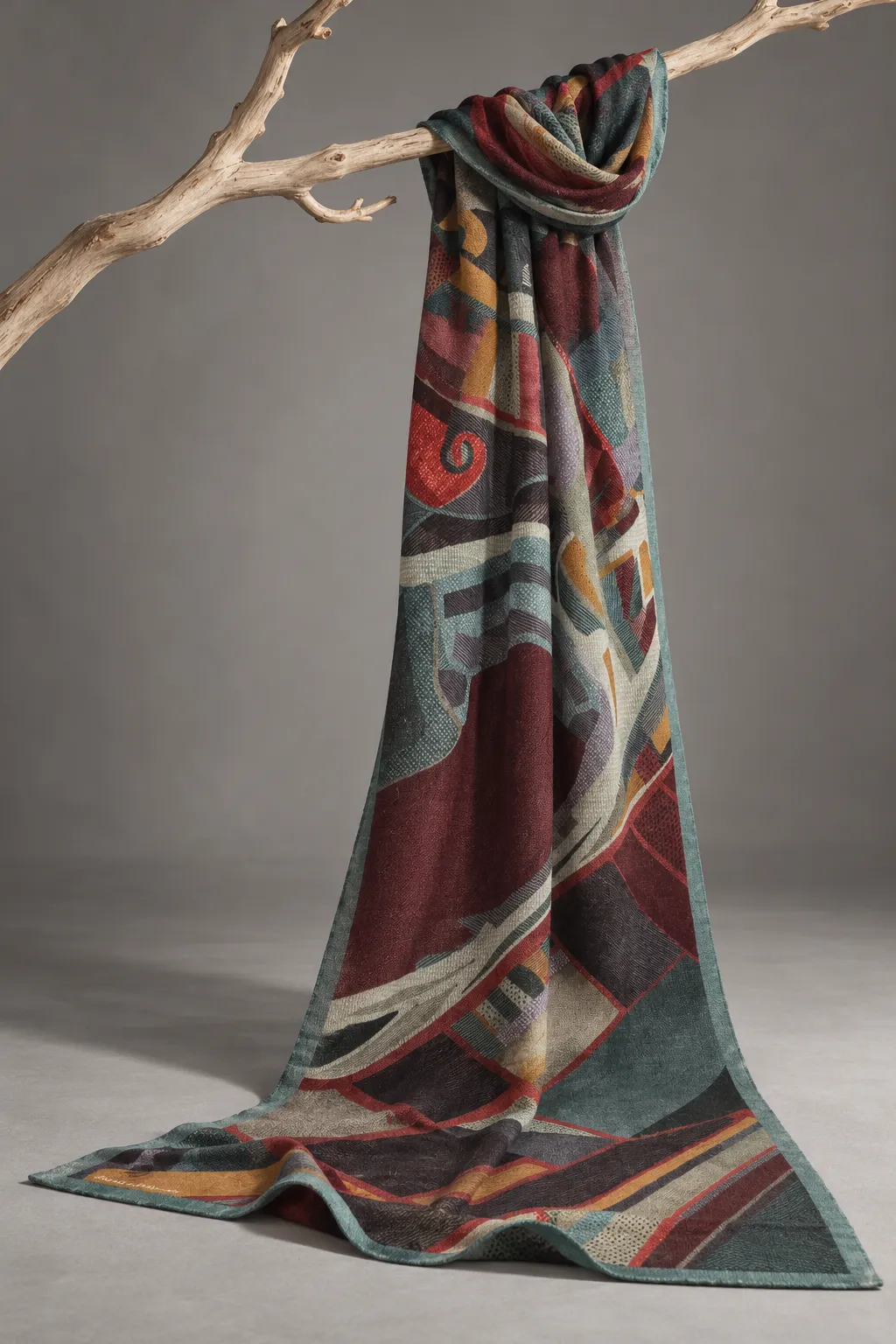
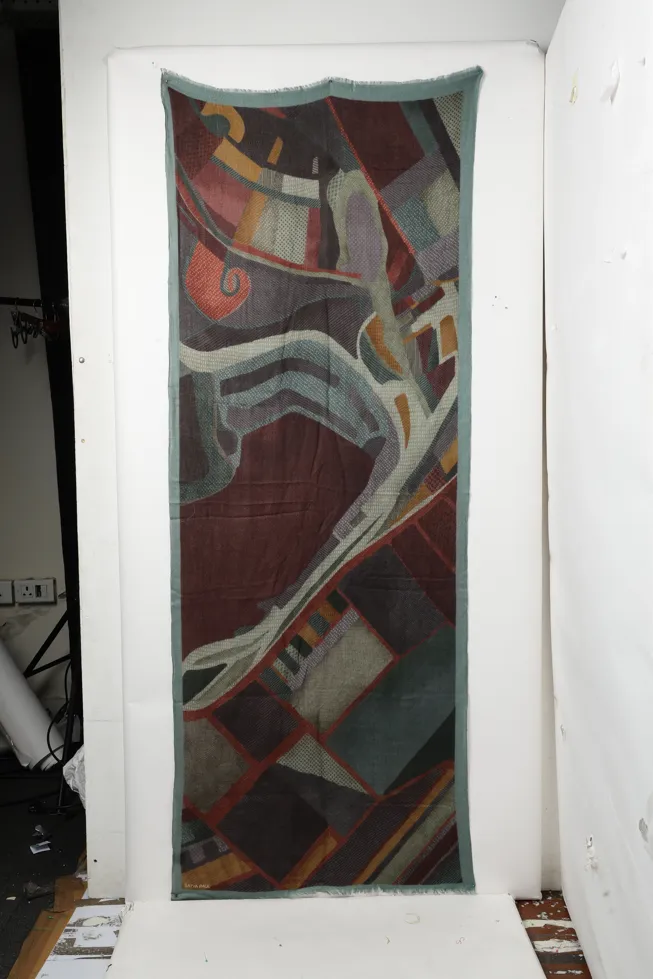
Scarf, after GEN-ODNScarf, original photoBefore
ScarfStyled on-model
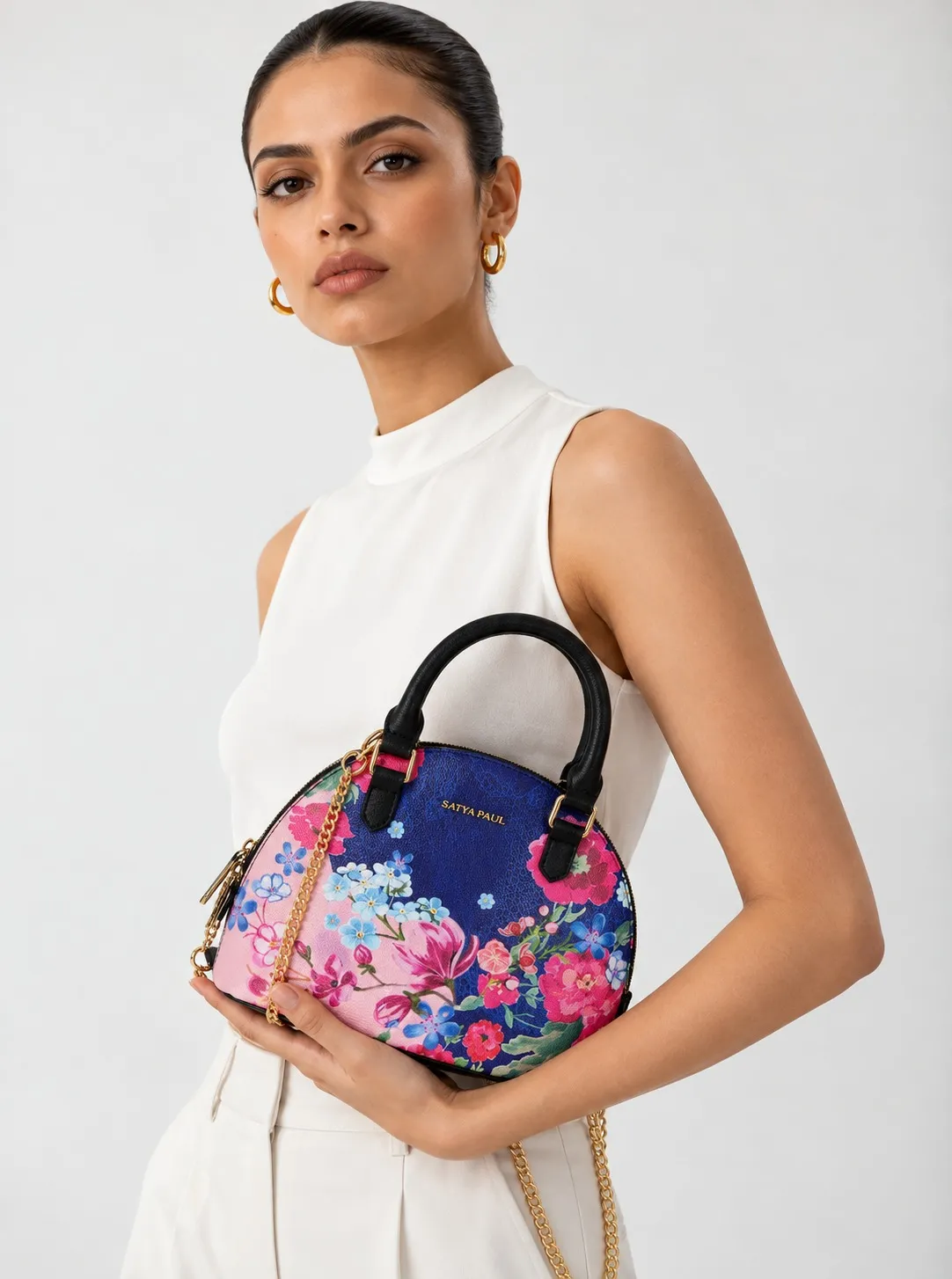
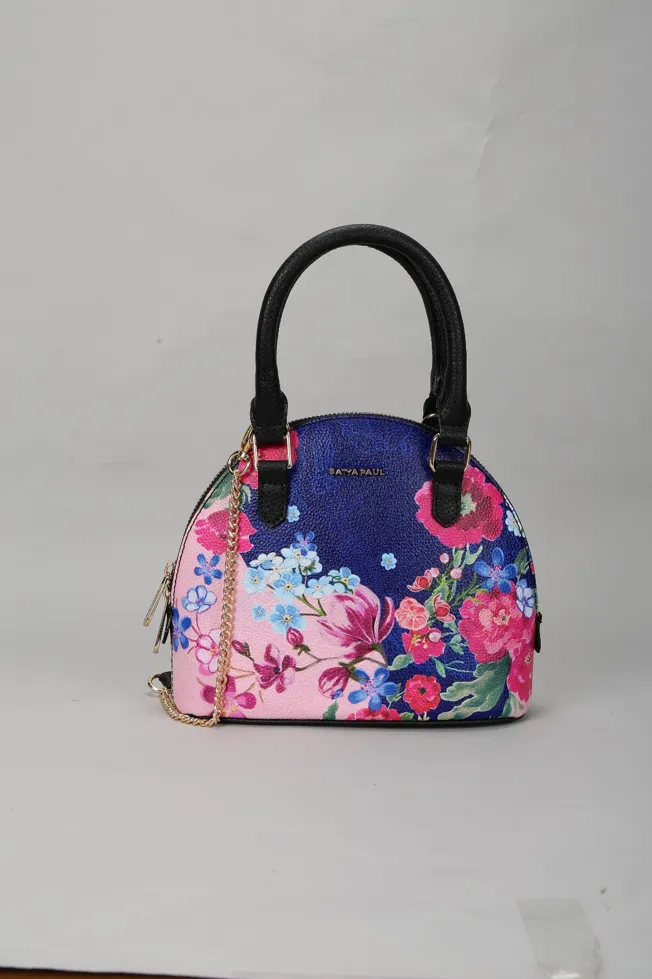
Handbag, after GEN-ODNHandbag, original photoBefore
HandbagStyled on-model
Jacket, after GEN-ODNJacket, original photoBefore
JacketFlat lay to on-model
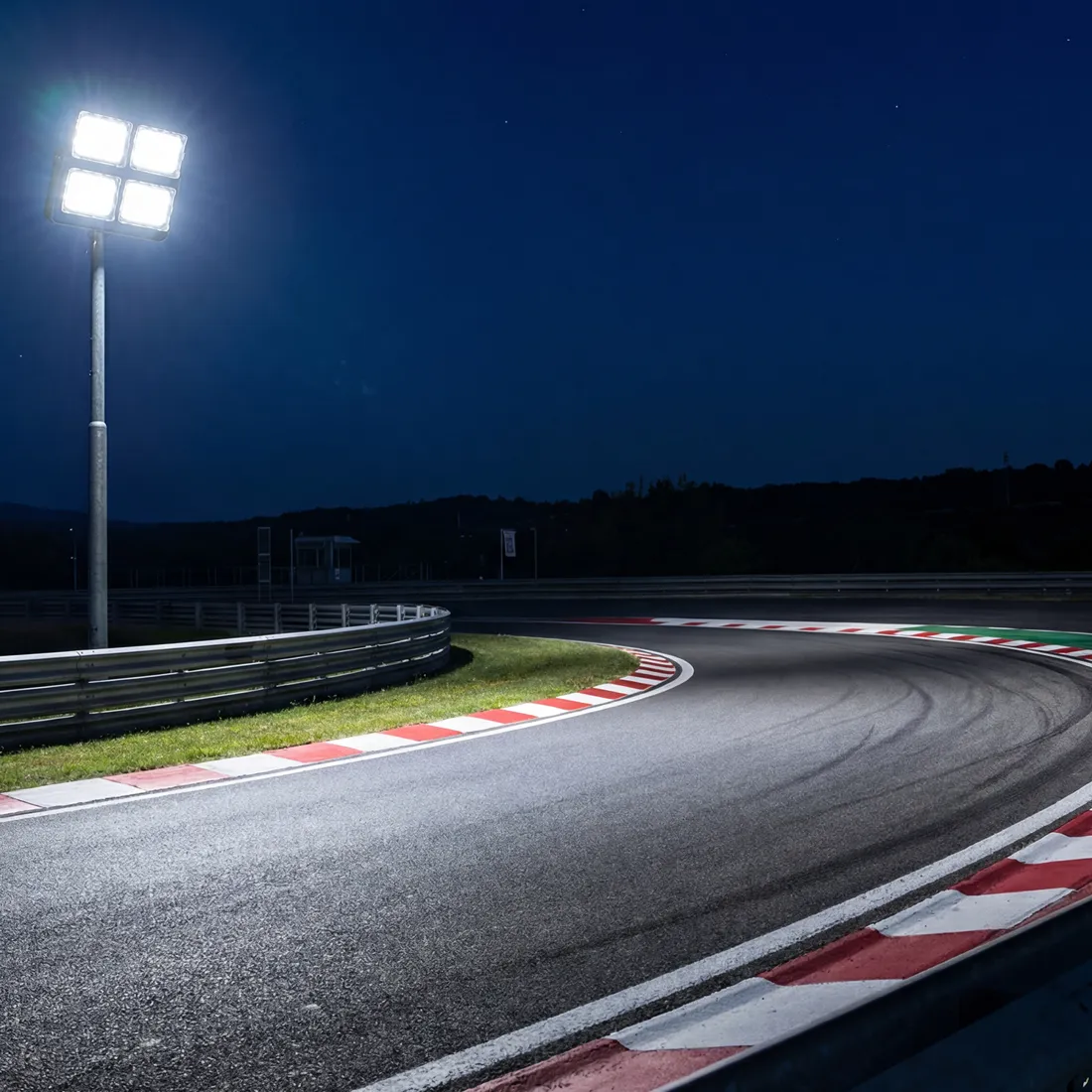
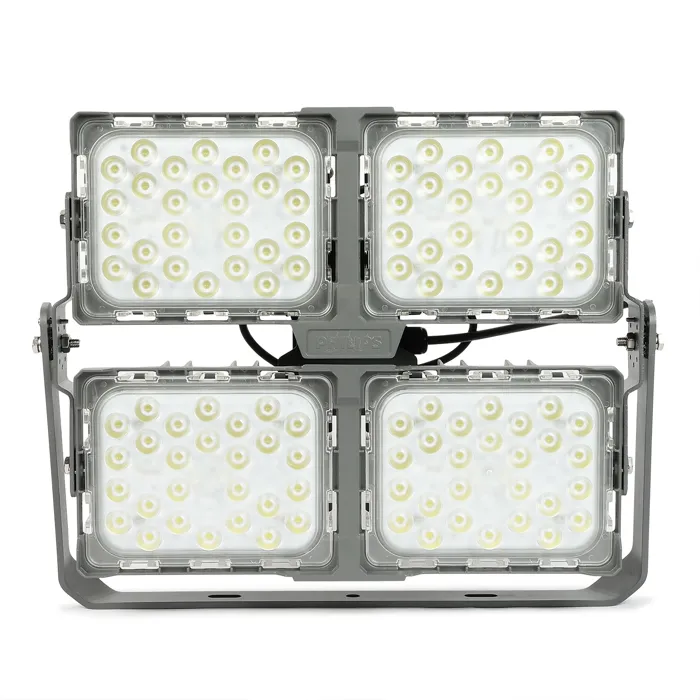
Outdoor light, after GEN-ODNOutdoor light, original photoBefore
Outdoor lightIn-context scene
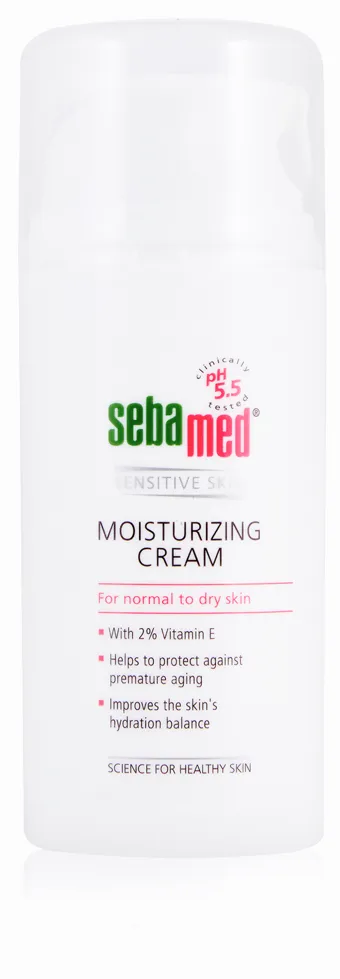
Personal care, after GEN-ODNPersonal care, original photoBefore
Personal careIngredient story
Shawl, after GEN-ODNShawl, original photoBefore
ShawlStyled on-model
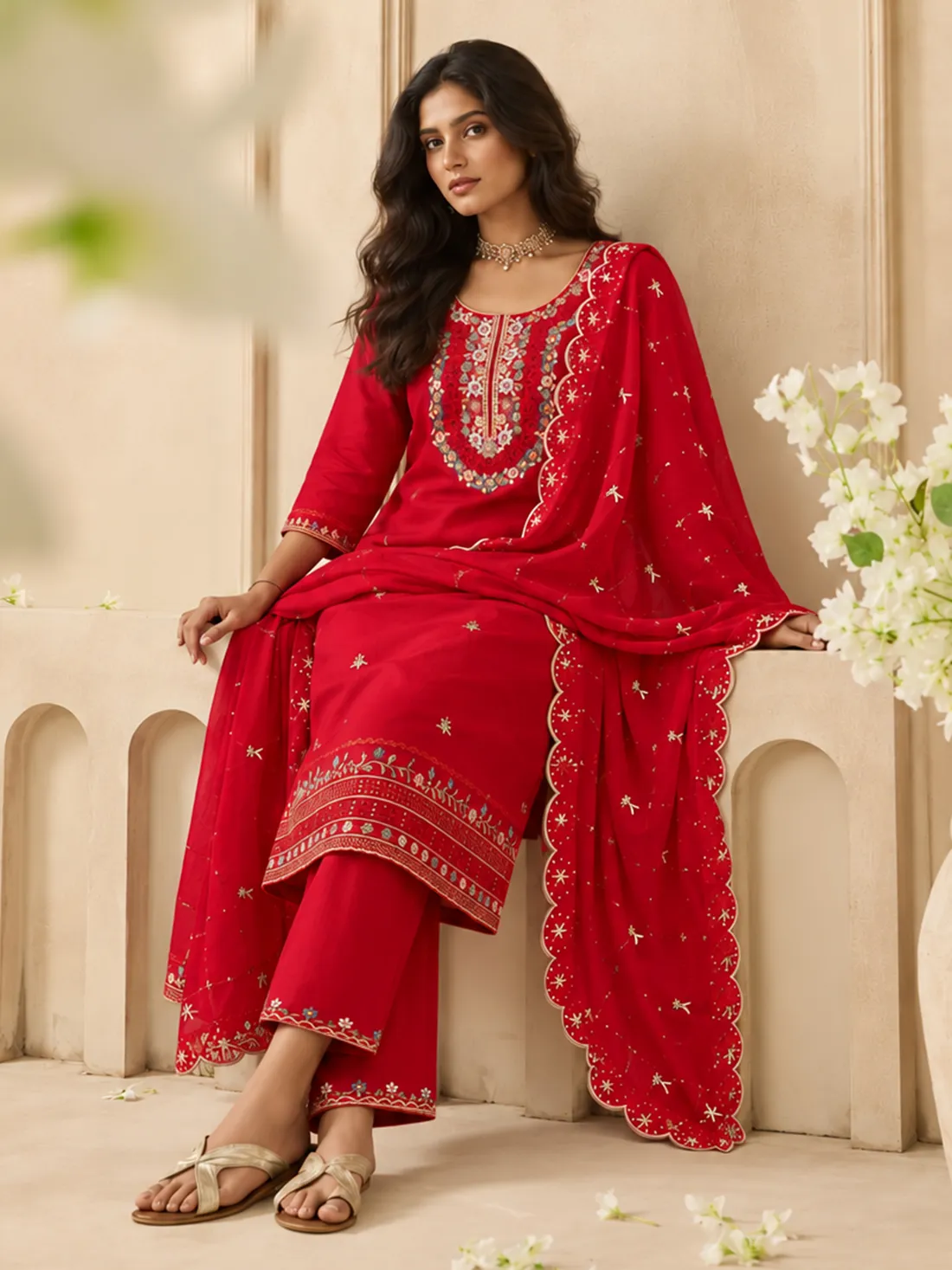
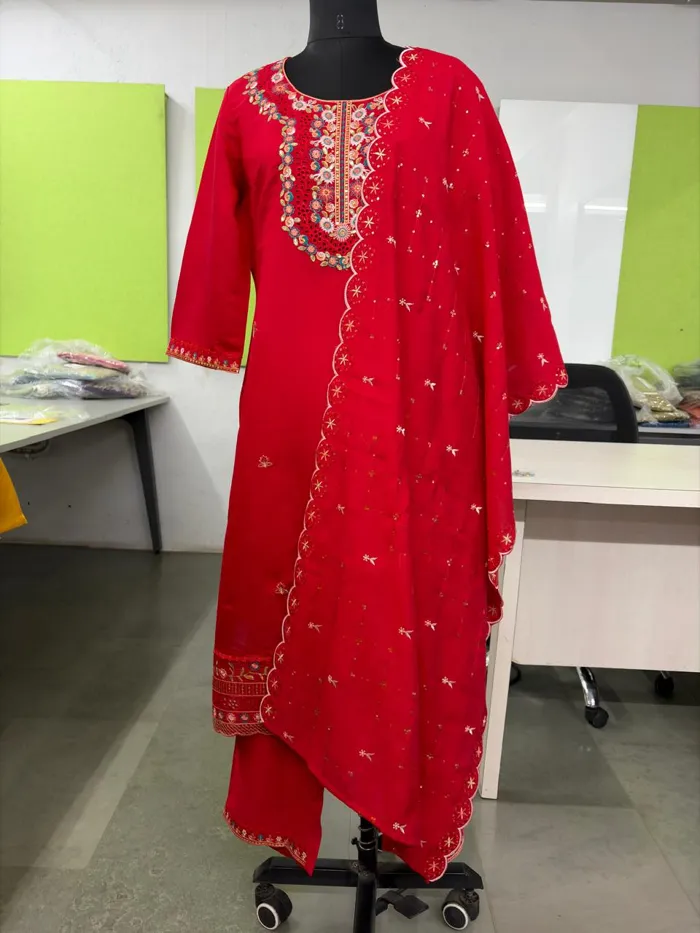
Kurta set, after GEN-ODNKurta set, original photoBefore
Kurta setOn-model ethnic
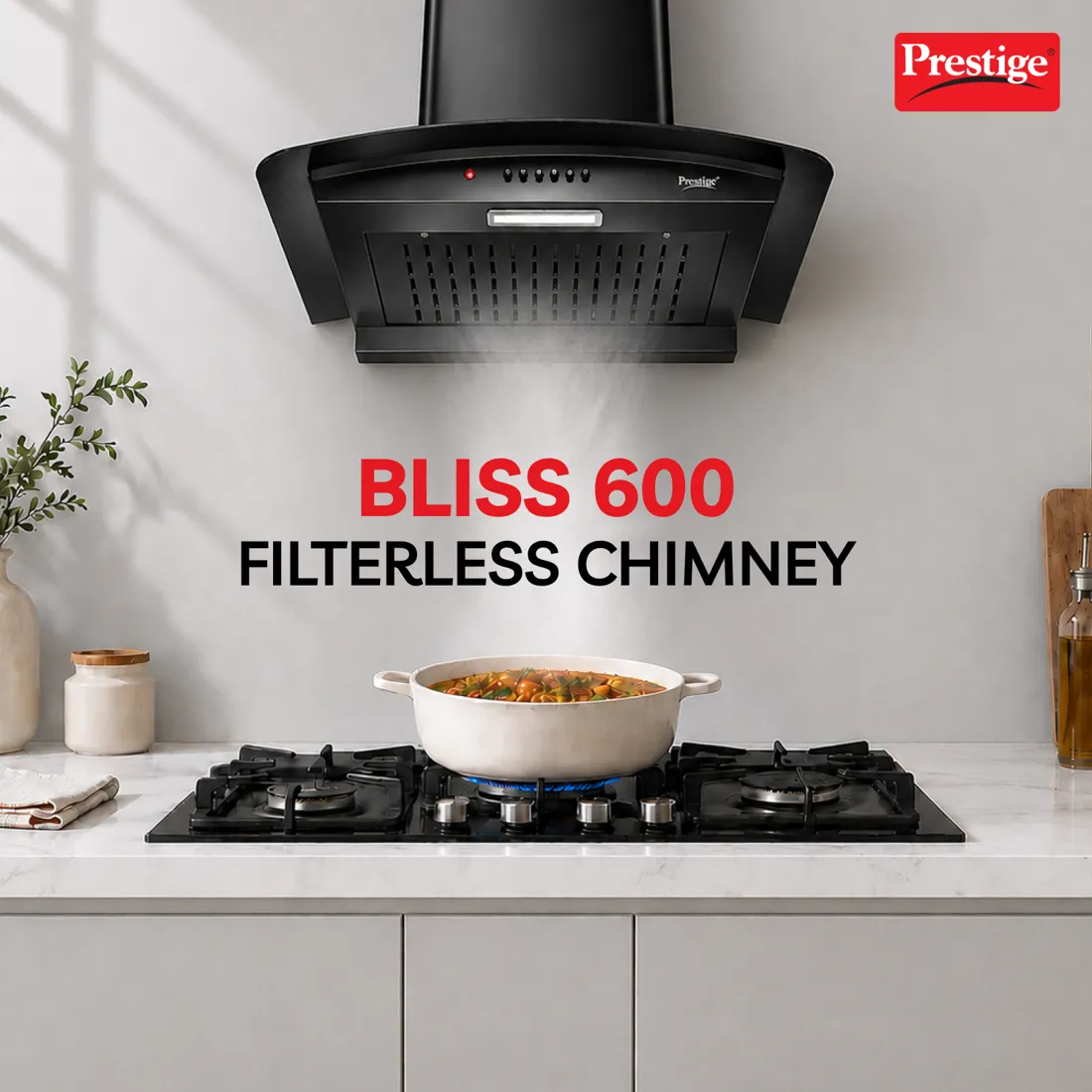
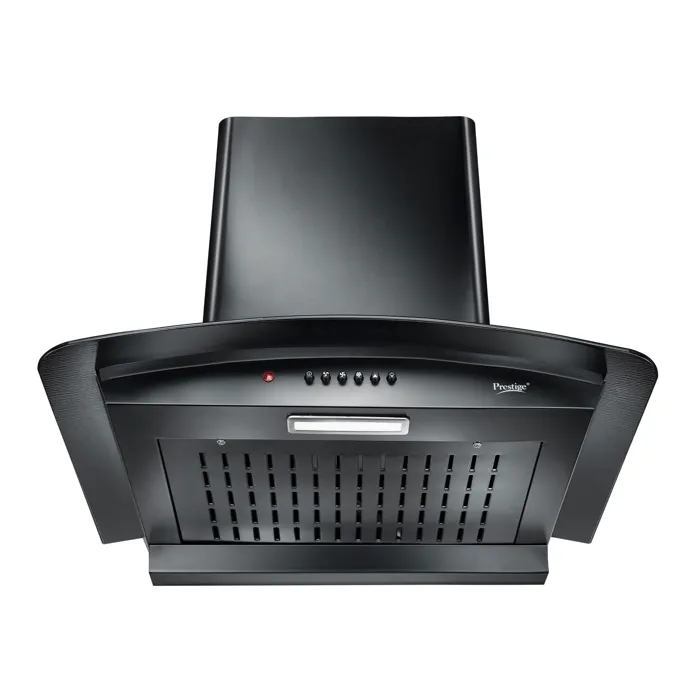
Kitchen chimney, after GEN-ODNKitchen chimney, original photoBefore
Kitchen chimneyIn-kitchen scene
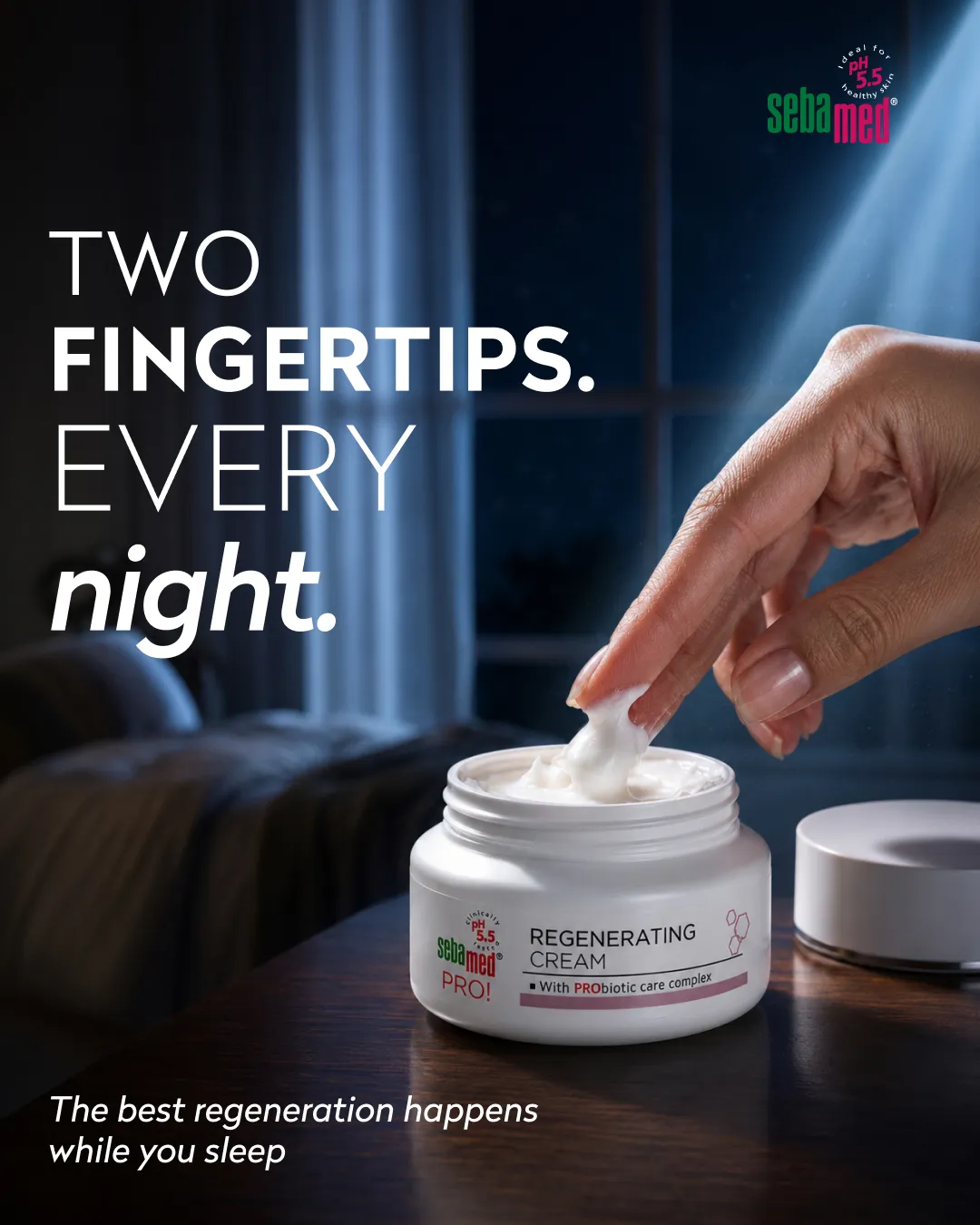
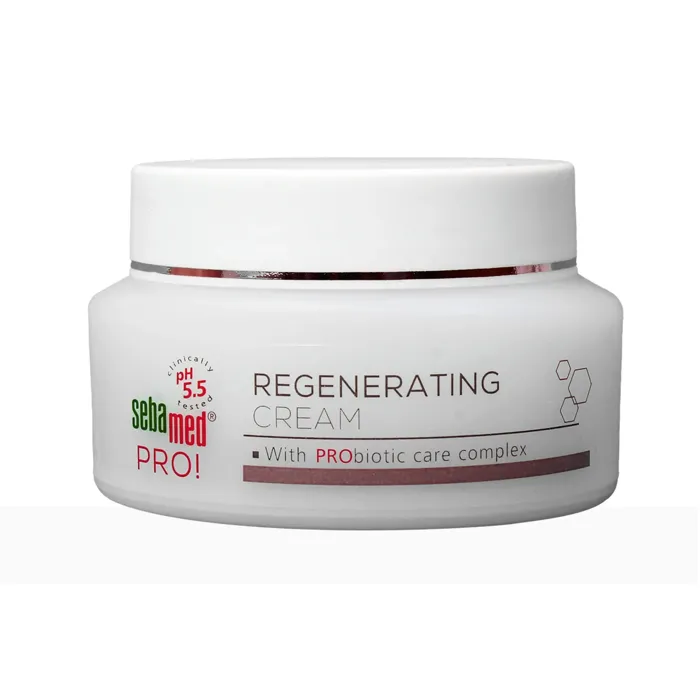
Face cream, after GEN-ODNFace cream, original photoBefore
Face creamBeauty campaign
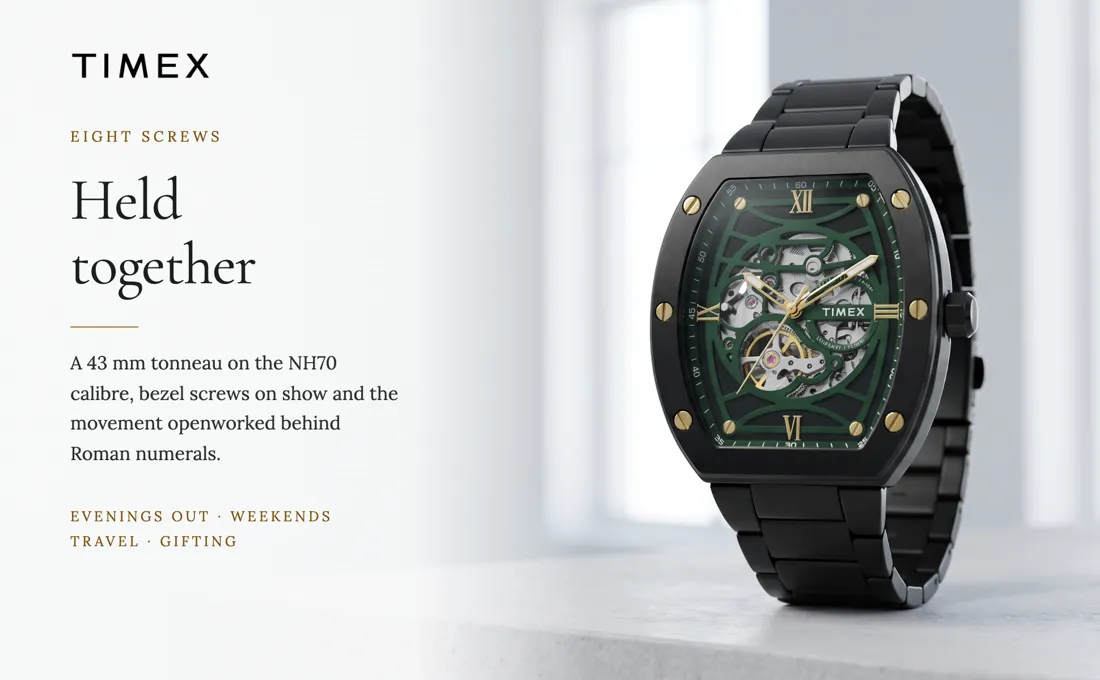
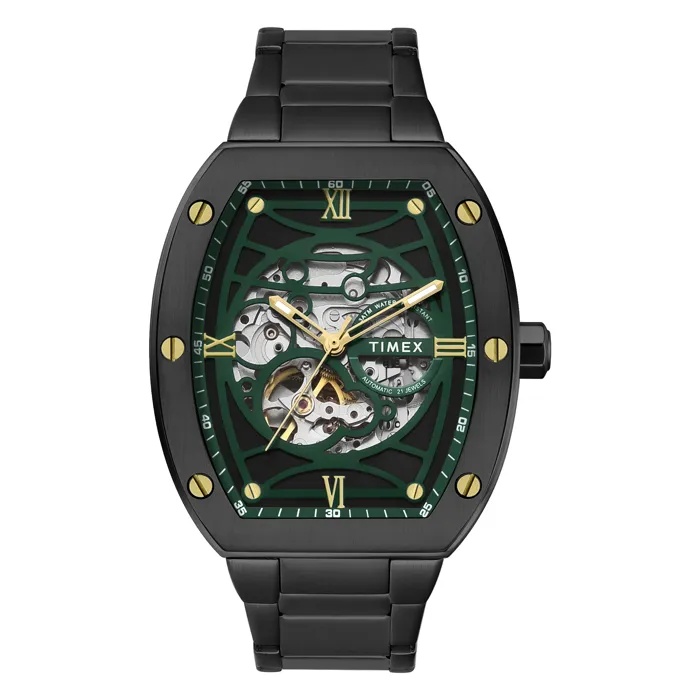
Watch, after GEN-ODNWatch, original photoBefore
WatchLifestyle and A+
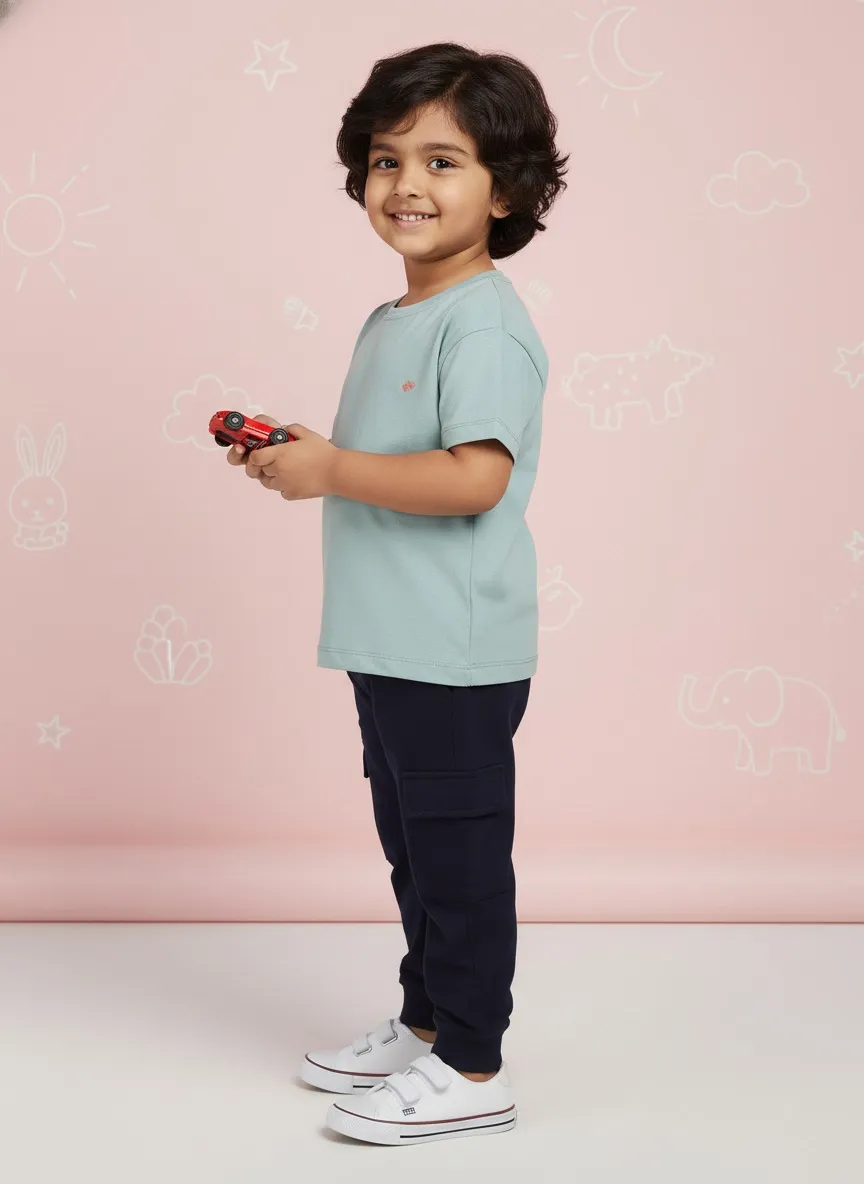
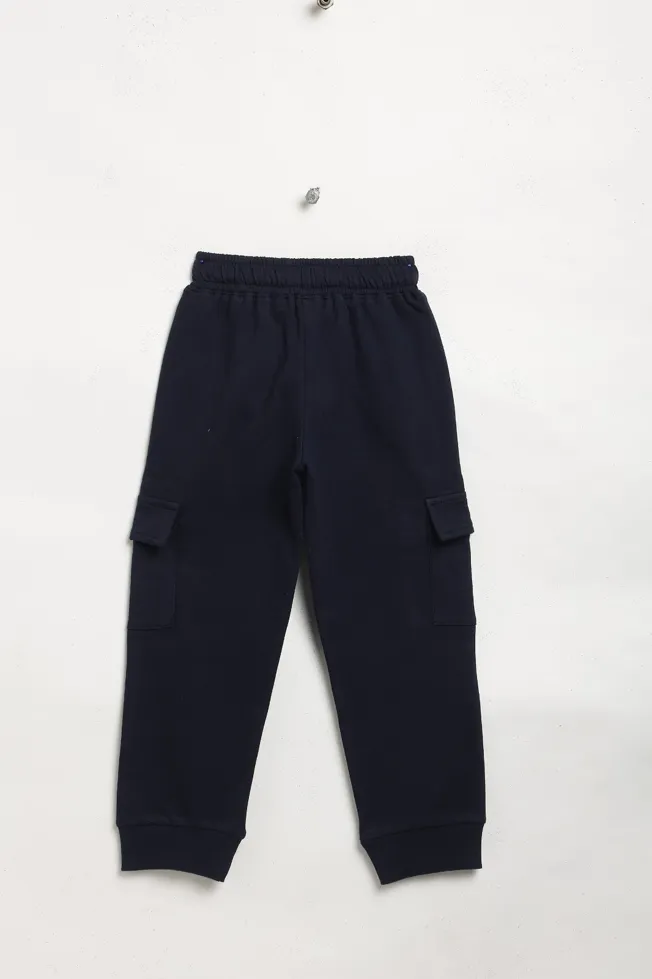
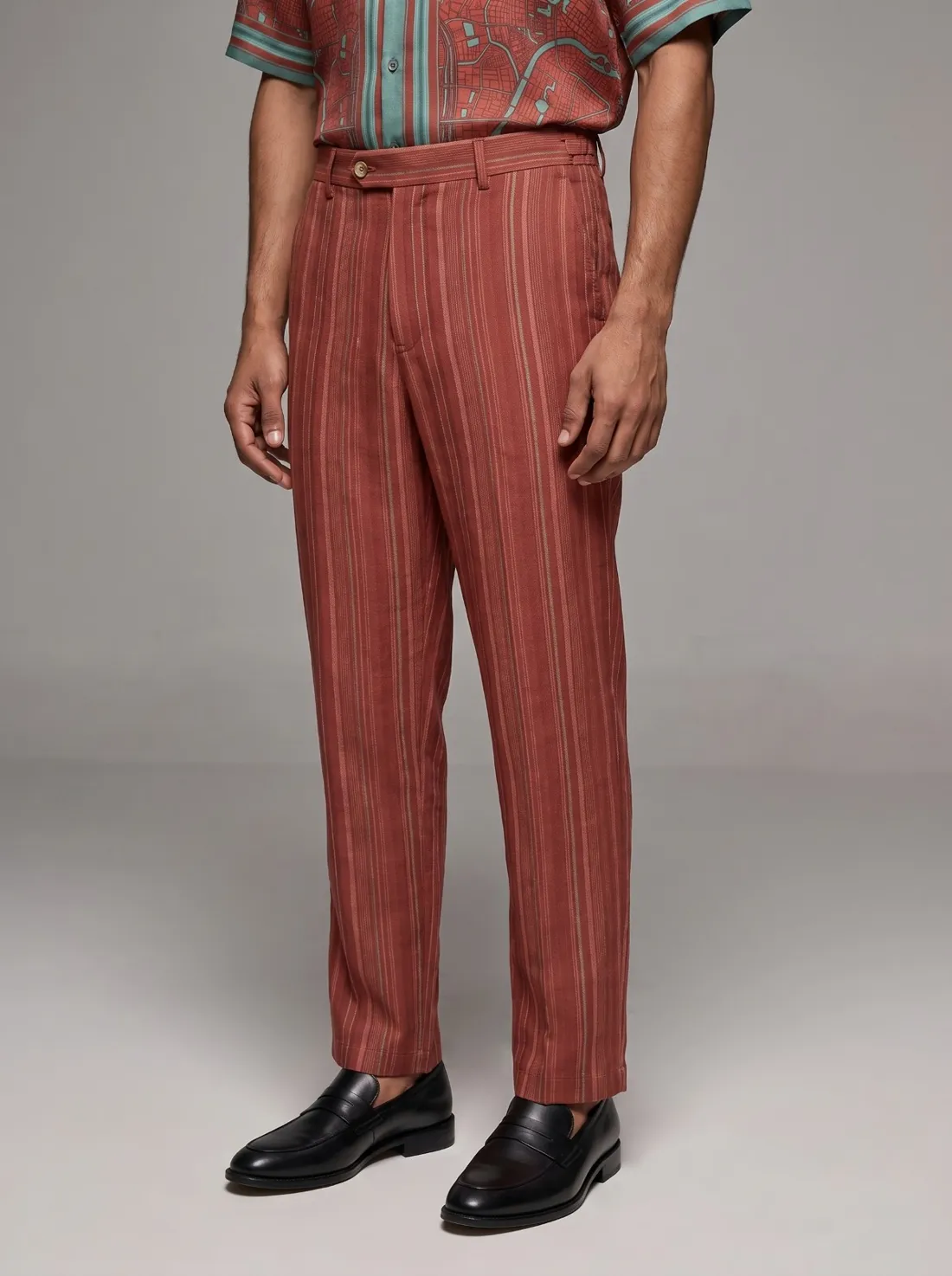
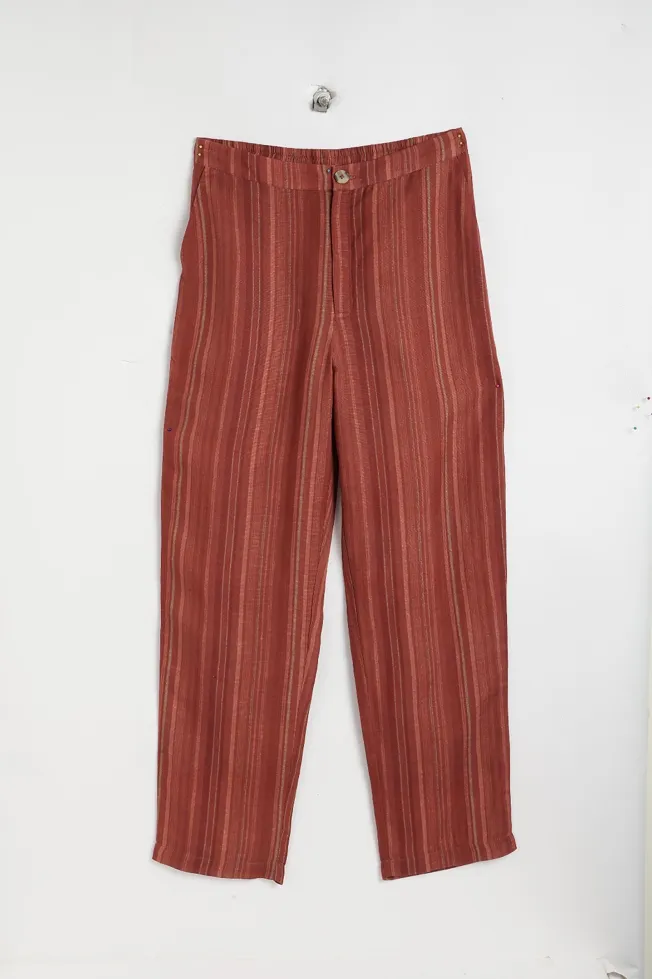
Trousers, after GEN-ODNTrousers, original photoBefore
TrousersOn-model catalog
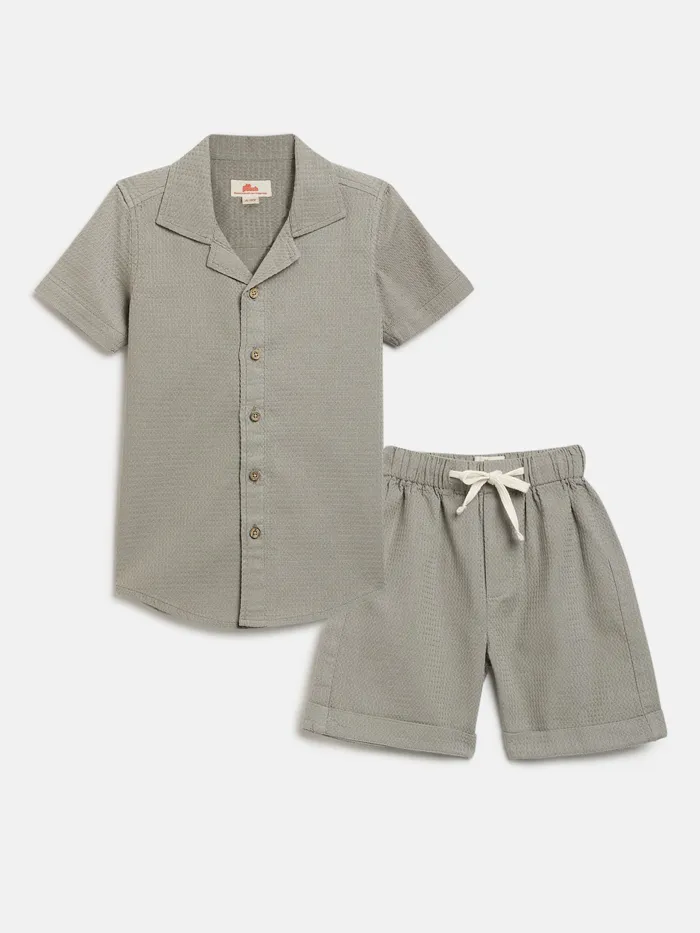
Co-ord set, after GEN-ODNCo-ord set, original photoBefore
Co-ord setOn-model catalog
Top, after GEN-ODNTop, original photoBefore
TopOn-model catalog
Printed bottoms, after GEN-ODNPrinted bottoms, original photoBefore
Printed bottomsOn-model catalog
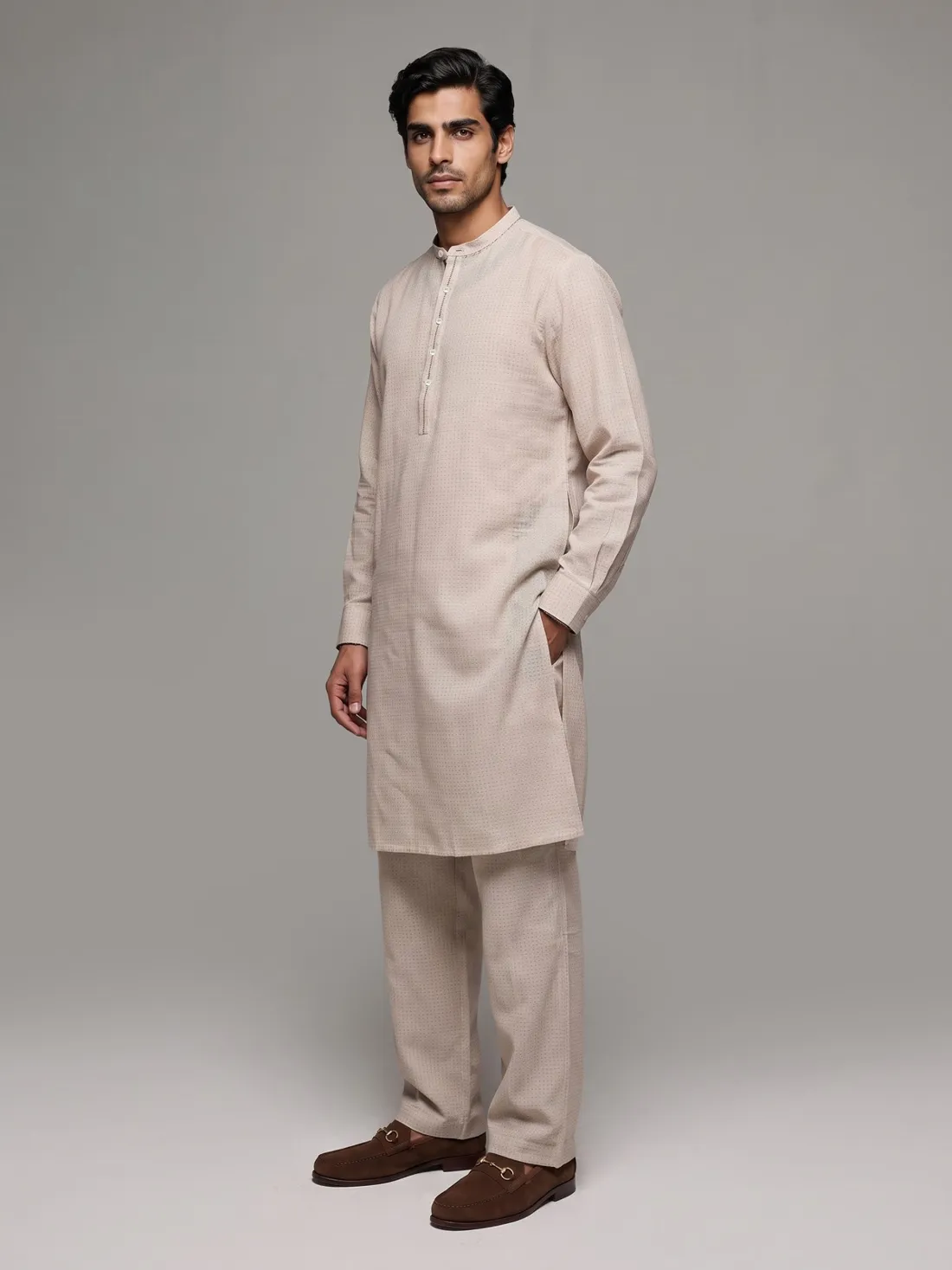
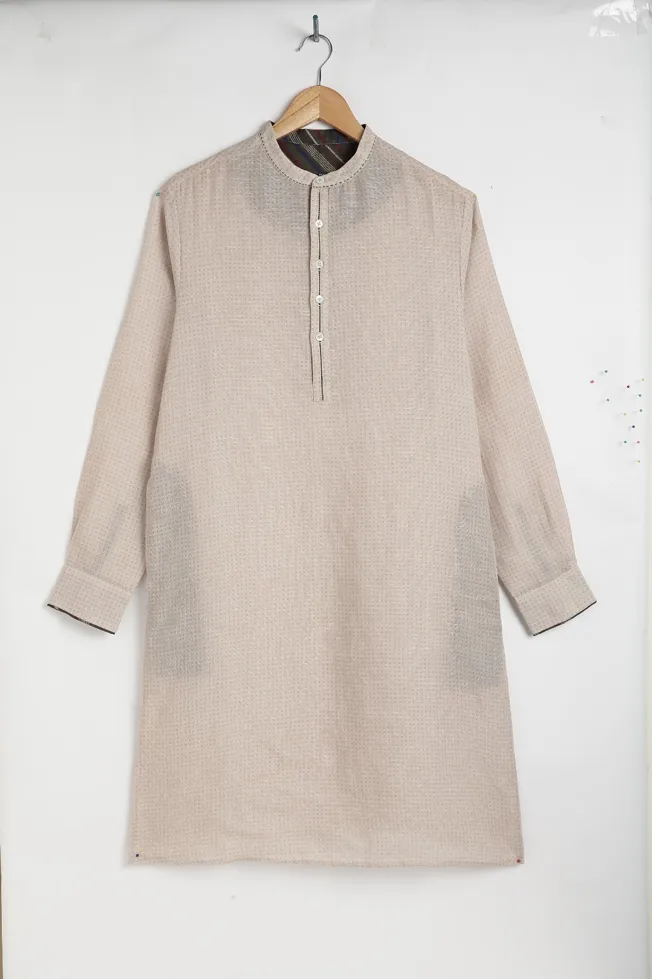
Kurta, after GEN-ODNKurta, original photoBefore
KurtaOn-model ethnic
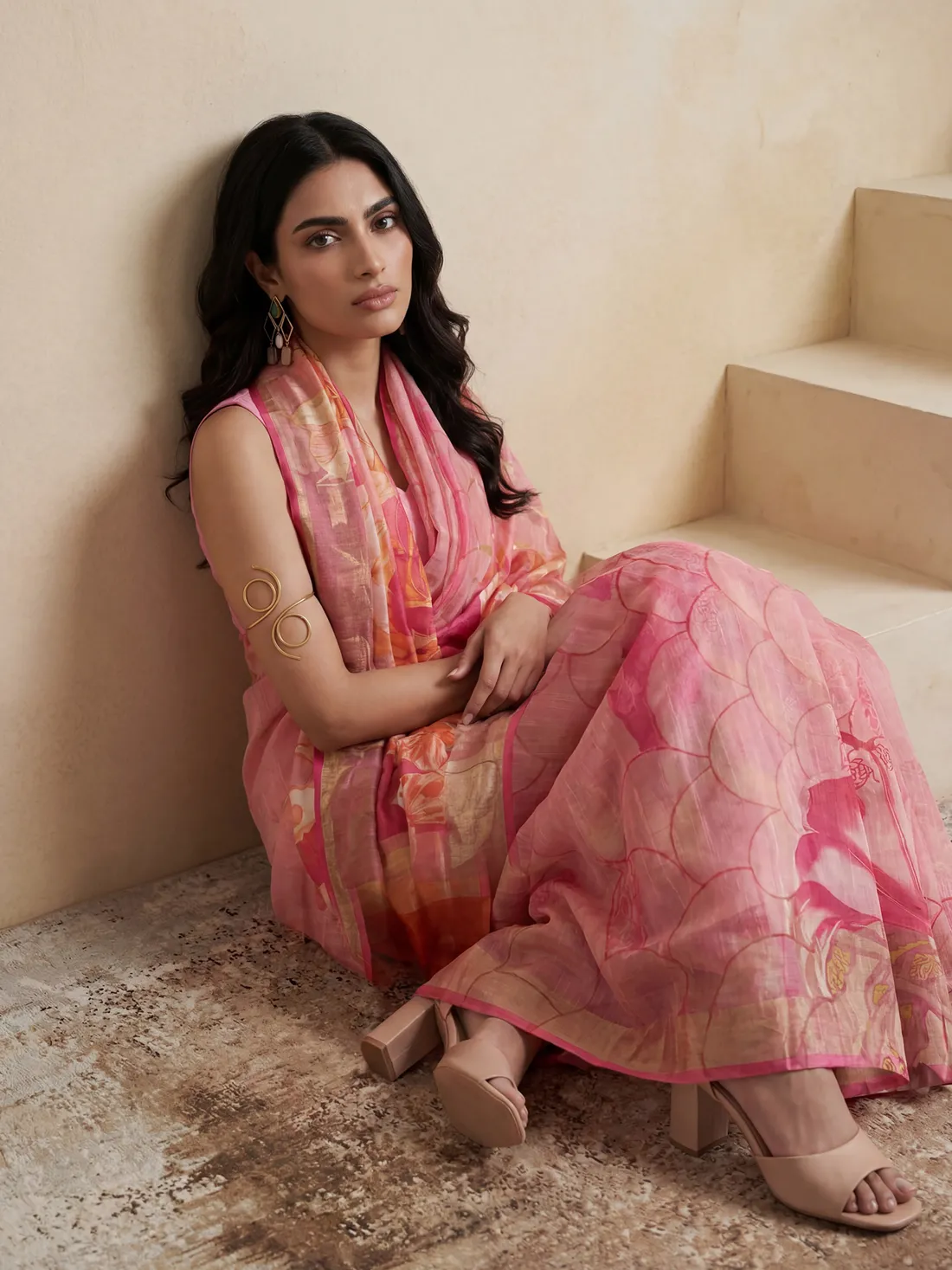
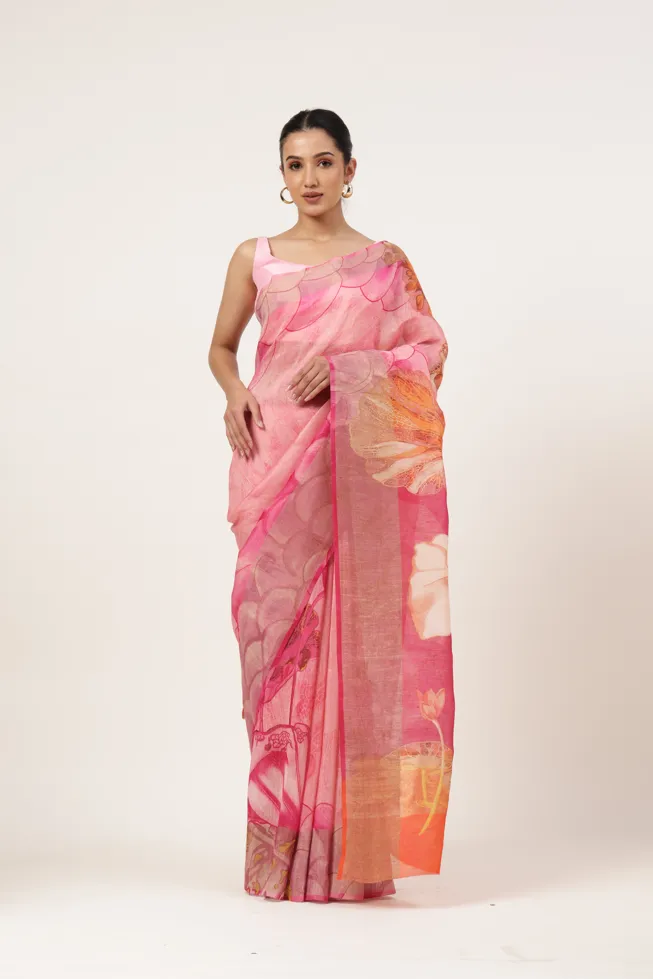
Saree, after GEN-ODNSaree, original photoBefore
SareeDraped on-model
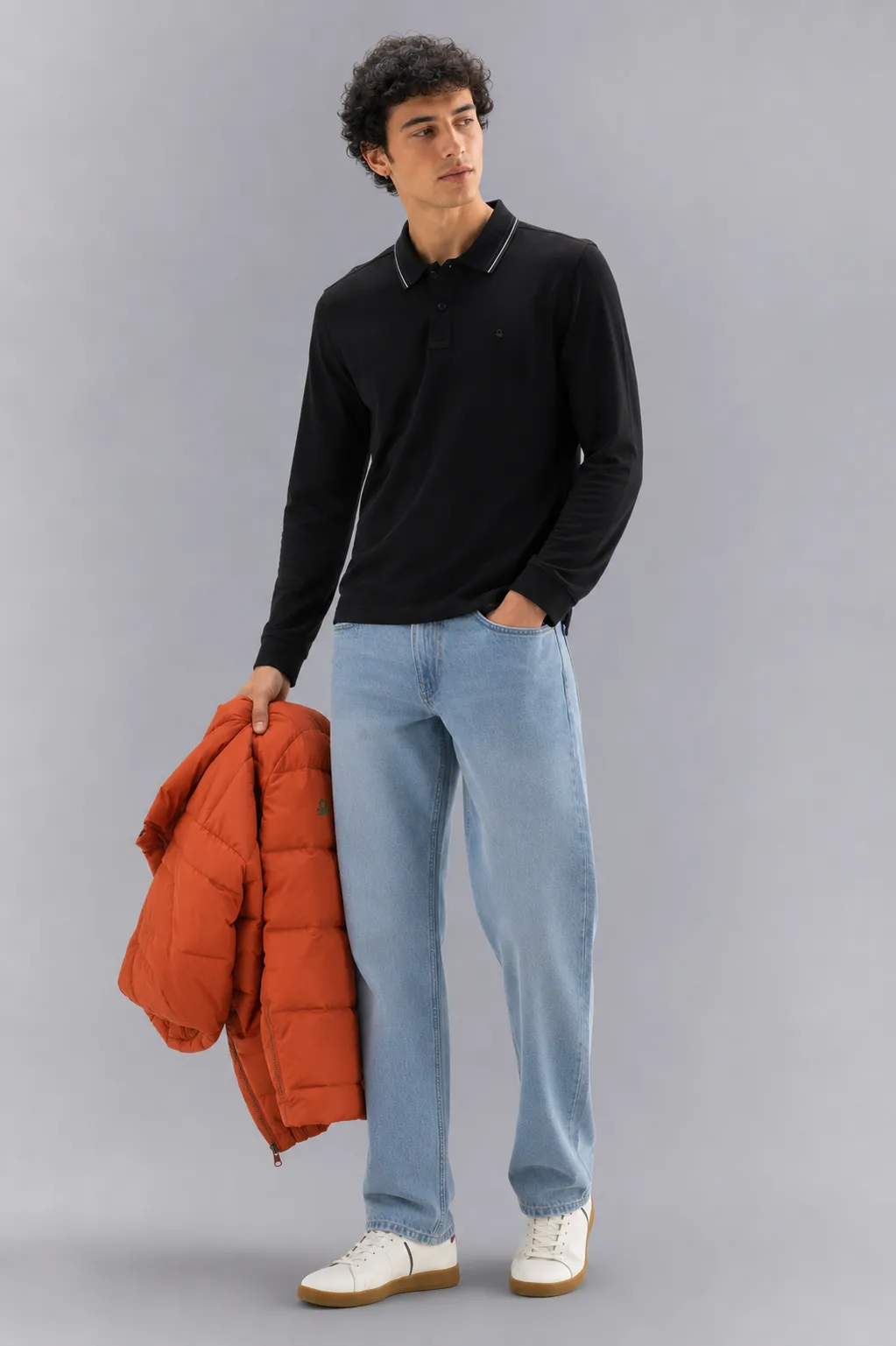
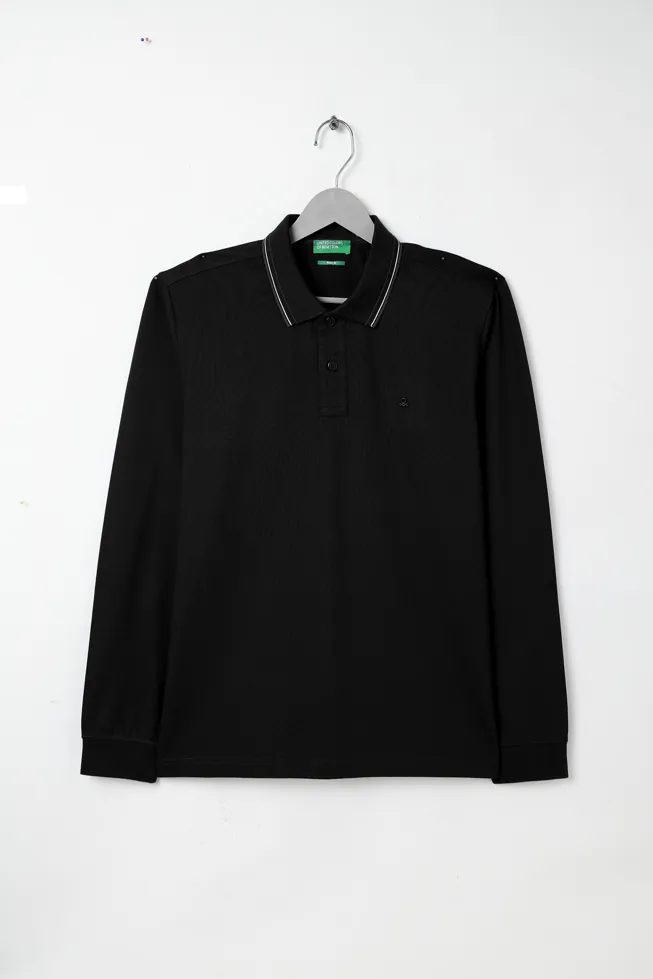
T-shirt, after GEN-ODNT-shirt, original photoBefore
T-shirtOn-model catalog
FAQ

Questions buyers ask

Is GEN-ODN an AI tool?

No. GEN-ODN is one of ODN's production engines. Our team runs it and art directors check every image.

Can you put our clothes on AI models?

Yes. We create on-model imagery, model swaps and new backgrounds from your product photos.

Are AI images allowed on Amazon?

Marketplaces have rules on how products are shown. We follow each marketplace's image policy and keep the product true to life.

How many AI images can you make?

At catalog scale, across whole collections, with every image consistent with your brand rules.

Book an appointment

Send us a flat lay. Get a catalog back.

Tell us the catalog and the deadline. We will show you the output on your own products.

Book an appointment →