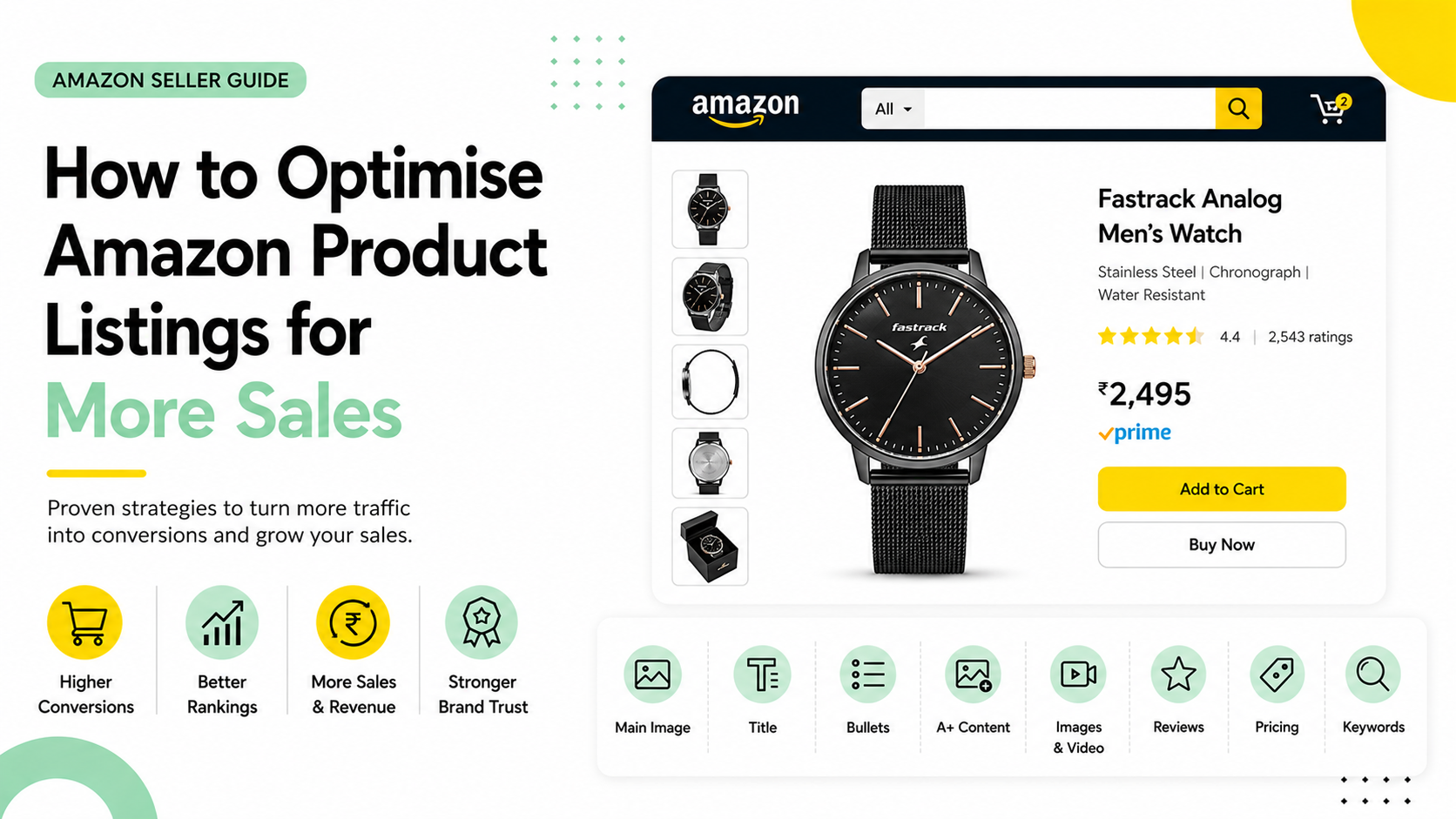
Your product is live. Traffic is coming in. But sales don't match the visits.
A good Amazon conversion rate sits between 10, 15%. If yours is below that, you're not just missing sales; you're missing ranking signals. Amazon's algorithm directly rewards listings that convert well by showing them to more shoppers. Low conversion hurts visibility. Low visibility hurts conversion. It compounds in the wrong direction.
This blog covers eight proven Amazon product listing optimisation strategies from your main image to backend keywords, each backed by data and directly tied to more units sold from the traffic you already have.
First: Know Your Baseline Before You Optimise
Before getting into Amazon product listing optimisation, know where you stand. In Seller Central, go to Business Reports and check Unit Session Percentage at the ASIN level.
This shows units sold per session, the most accurate proxy for conversion rate on Amazon.
Check Brand Analytics too. Search Query Performance shows where shoppers drop off. Know your number first. Then start moving it.
8 Amazon Product Listing Optimisation Levers That Actually Move Conversion
Once you know the basics, here's where the actual work happens. Each lever below builds on the one before it. A click earned by your image only converts if your title, bullets, and content follow through.
Think of it as a chain: break one link, and the shopper drops off before reaching the next.
1. Main Image-The Click Decision That Starts Everything
Your main image is the only thing shoppers see before deciding whether to click. And on mobile, that decision takes under two seconds. A kitchen brand testing a plain product shot against one showing the blender mid-pour saw clicks jump noticeably.
Get this click first; everything else on the page only matters once someone arrives.
2. Product Title-Turning That Click Into Interest
That click only pays off if your title confirms the shopper clicked the right thing. Lead with your primary keyword, follow with your biggest differentiator.
A supplement brand rewriting "Vitamin D3 5000IU, 120 Capsules" to lead with "Non-GMO Vitamin D3" saw stronger click-through, because the title now answers "why this one" before the shopper even scrolls.
3. Bullet Points-Answering the Objection the Title Raised
A strong title creates curiosity; bullets are where that curiosity gets resolved or lost. Lead with the outcome, not the spec. A backpack brand rewriting "600D polyester fabric" as "Survives daily commutes without fraying" saw hesitation drop, because the bullet answers the exact doubt a scanning shopper was about to leave with.
4. A+ Content-Deepening the Trust Bullets Started
Bullets handle quick objections; A+ Content handles the bigger ones bullets can't fit. A skincare brand added a comparison module showing their formula against three alternatives and saw fewer shoppers bounce to compare elsewhere. If you're Brand Registry-enrolled and skipping A+ Content, you're leaving that deeper trust-building step completely unused.
5. Gallery Images and Video-Removing What Copy Can't Explain
Copy builds trust; visuals remove the doubts words can't fully resolve. A furniture brand added a scale-reference image and a 30-second assembly video, and returns dropped measurably. Each image should kill one specific uncertainty: size, material, use-case, so by the final photo, nothing is left unanswered.
6. Reviews and Ratings-The Proof That Backs Every Claim Above
Everything so far is the brand talking; reviews are where other buyers confirm it's true. A kitchenware listing with 50 reviews at 4.7 stars consistently outsold one with 10 reviews at 4.9, because volume signals real purchases. Respond to negative reviews publicly; it shows future shoppers you stand behind the product.
7. Pricing-The Number That Weighs Against Everything Read So Far
By this point, the shopper has built a mental value estimate; pricing either confirms it or breaks it. A skincare brand priced just below a bestselling competitor saw conversion rise, since the listing had already justified the value; the price simply closed the decision the content had been building toward.
8. Backend Keywords Making Sure Shoppers Reach This Page at All
Every lever above only works if shoppers actually find the listing first. Backend search terms are invisible but drive indexing. A pet supply brand added misspellings and regional terms like "puppy lead" alongside "puppy leash," and traffic rose, proof that discoverability is the foundation the other seven levers depend on.
The 8 Pillars of Amazon Product Listing Optimisation at a Glance
Here's how each listing element maps to conversion impact and priority:
| Listing Element | What It Impacts | Priority |
|---|---|---|
| Main image | Click-through rate and first impression | Critical |
| Title | Search ranking and click decision | Critical |
| Bullet points | Objection handling and add-to-cart rate | Critical |
| A+ content | Trust building and fence-sitter conversion | High |
| Gallery images and video | Buyer confidence and return rate reduction | High |
| Reviews and ratings | Social proof and algorithm ranking signal | High |
| Pricing and Buy Box | Conversion at the price point and visibility | High |
| Backend keywords | Search indexing and traffic volume | Medium |
When to Use Professional Amazon Listing Optimisation Services
If you're managing a large catalogue, launching in a competitive category, or running paid traffic to listings that aren't converting, Amazon product listing optimisation services from a specialist team can move the needle significantly faster than internal trial and error. Specialists bring keyword research tools, conversion data across categories, A+ content production, and testing frameworks that take months to build in-house.